

ContentsTap to jump to a section+
- 01Why a readable PDF may still contain no usable data
- 02Prepare the file before OCR
- 03Three processing layers: recognise, normalise and validate
- 04Source traceability matters more than a neat table
- 05Banks and ordinary companies need different schemas
- 06A ten-minute verification routine
- 07When a dedicated Document AI pipeline is justified
- 08Checklist before using OCR figures
- OCR creates a working dataset; the official filing remains the source that must be checked.
- Page number, recognition region, unit and confidence should travel with every metric so errors can be corrected.
- Checks such as assets equalling liabilities plus equity catch some errors but do not prove every figure is correct.
Why a readable PDF may still contain no usable data
Many financial statements are page images bundled into a PDF. People can see the tables, but software has no text layer to search or copy. Other files contain text whose columns collapse, separators disappear or reading order changes when pasted into a spreadsheet.
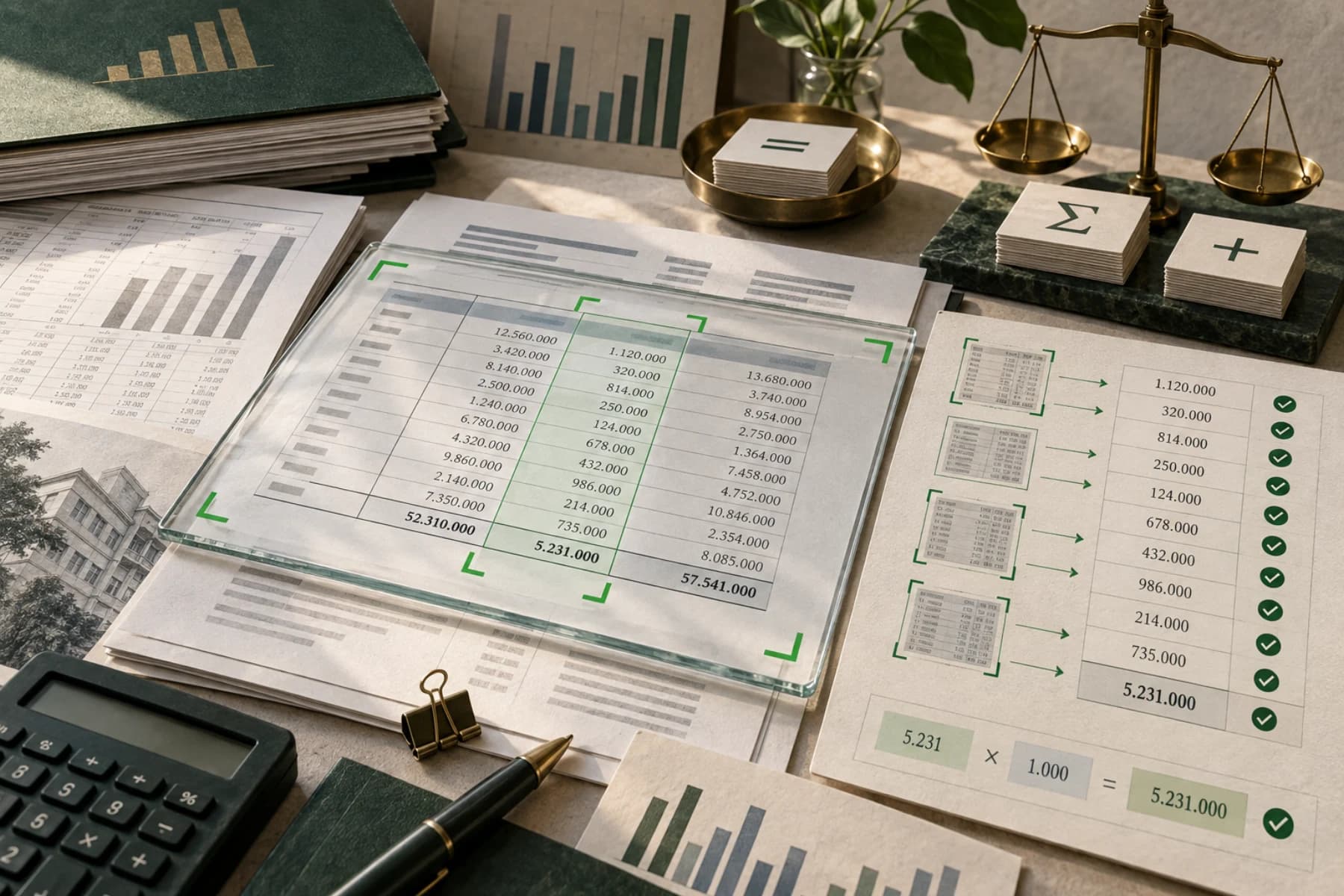
OCR converts images of characters into machine-readable data. For financial statements, recognising characters is only the beginning. The system also needs to locate tables, distinguish current and comparative periods, detect units, preserve page references and test relationships between metrics.
The Friday Works tool focuses on Vietnamese financial statements and uses separate structures for banks and ordinary companies. Its output supports review; it does not replace the official filing.
OCR is valuable not because it removes the source document, but because it gets the reviewer to the right page and number faster.
Prepare the file before OCR
A straight, evenly lit scan with complete page edges is easier to process than a skewed photograph or a file compressed several times. Check the first pages, a balance-sheet page and a note page for orientation, sharpness and cropping.
When several versions exist, prefer the issuer or exchange filing. Name the file with company, period and report type. Keep the original unchanged even if you rotate or split pages for processing.
Upload only documents you are authorised to process. For public filings, retain the source URL and download date. For internal material, review the data policy before using any online service.
- Pages are straight and do not crop row numbers or reporting units.
- Resolution distinguishes 0, 6, 8 and negative numbers in brackets.
- The period and consolidated or separate scope are correct.
- File name and source note make the document traceable.
Three processing layers: recognise, normalise and validate
Recognition classifies balance-sheet, income-statement and cash-flow pages, then extracts row labels and values. Tesseract's official documentation notes that PDFs need conversion to a suitable image format or a PDF-specific workflow before OCR. The job is more than passing an untouched file to one function.
Normalisation handles units and formats. A filing may use VND, thousands or millions of VND, and a full stop may separate thousands. Keep both raw and converted values so reviewers can see the transformation.
Validation tests relationships that can be checked automatically. Assets should approximately equal liabilities plus equity for the same period. A large difference may indicate a misread digit, wrong unit, wrong column or missing row and should trigger human review.
Source traceability matters more than a neat table
A well-formatted extraction can still be wrong. Every metric should carry page number, source text, recognition region and confidence. An unusual revenue or asset figure can then be checked on the correct page instead of searching the entire report.
Low confidence does not automatically mean wrong, while high confidence does not guarantee the correct column was selected. Combine recognition signals, accounting rules and document review.
Do not remove source fields from CSV or JSON merely to make the table smaller. They provide the evidence needed to correct and explain the dataset later.
- Raw value and normalised value.
- Presentation unit from the report.
- Page, statement type and current or comparative period.
- Recognition confidence and manual-review status.
Banks and ordinary companies need different schemas
A bank's balance sheet differs from that of a manufacturer or trading company. Row labels, asset and liability presentation and key metrics are not the same. Forcing every report into one schema can attach a correct number to the wrong meaning.
Template detection should happen before metric extraction. When uncertain, the system should request review rather than guess. Industry-specific forms also need tests across several issuers and scan qualities before large-scale use.
Document AI goes beyond OCR by classifying documents, understanding structure, extracting fields and applying validation. It still needs representative samples and explicit error criteria.
A ten-minute verification routine
Start with the file profile: page count, text-layer coverage, orientation and detected schema. Stop if pages are missing or many are rotated.
Next, select anchor metrics such as total assets, net revenue, profit after tax and ending cash. Open the source pages, compare both periods and check negative signs and units. This quickly reveals column shifts or incorrect multipliers.
Finally inspect accounting checks and low-confidence rows. If a row is corrected, preserve the original OCR value and record the reason. Data entering a business workflow should also carry reviewer, time and source.
- Confirm page count, orientation and schema.
- Check at least four anchor metrics across both periods.
- Verify units and negative signs before comparison.
- Review accounting checks and flagged rows.
- Export only after review status is complete.
When a dedicated Document AI pipeline is justified
The free tool suits a quick read or file-quality test. A business processing many documents and sending results to accounting software, a CRM or a data warehouse needs a pipeline with queues, state, access controls and a review screen.
Measure quality by field rather than one overall accuracy number. An error in tax ID, date or total has a different consequence from a description error. Important fields need their own confidence threshold and review route.
Start with representative samples, including poor scans and rare templates. A pilot provides the evidence to estimate review rate, per-document cost and which steps can be safely automated.
Checklist before using OCR figures
Do not use a figure simply because it can be exported to Excel. A reviewable result should answer every question below and return to the source when challenged.
- Is this the official filing and the correct reporting period?
- Was the bank or corporate schema detected correctly?
- Were VND, thousand-VND or million-VND units preserved and converted correctly?
- Does every important metric retain a source page and raw value?
- Did accounting checks pass; if not, what explains the difference?
- Who approved the data before it entered another report or system?
FAQ
Frequently asked questions
Can OCR read a scanned financial-statement PDF with no text layer?
Yes. The tool recognises characters from page images and extracts key metrics. Quality still depends on sharpness, skew and report layout, and figures must be checked against source pages.
Can OCR figures be used immediately for analysis or trading?
They should not be used without review. Verify important metrics, units, periods and accounting checks against the official filing.
Does the tool distinguish banks from ordinary companies?
Yes. The two groups use separate schemas because their statements and metric meanings differ. Uncertain cases should be flagged for review.
How long is an uploaded file stored?
The PDF remains in temporary storage while OCR runs and is then deleted. Results return to the browser and can be downloaded for review.
References
Sources used in this guide
We prioritise official guidance and primary technical sources. Visit each source for full context and the latest updates.
- Input formatsTesseract OCR Documentation ↗︎
- Processor listGoogle Cloud Document AI ↗︎
- Layout parser and document chunkingGoogle Cloud Document AI ↗︎
- Số hóa tài liệu tự động bằng trí tuệ nhân tạo và mô hình ngôn ngữ lớnVnExpress AI4VN 2026 ↗︎
- AI lõi Make in Vietnam được xếp hạng thứ 12 thế giớiBáo Đầu tư ↗︎