

ContentsTap to jump to a section+
- OCR creates a text layer; a usable Document AI pipeline must also preserve structure, normalise fields, validate rules and handle exceptions.
- Quality should be measured by field on a representative document set, not inferred from one headline number or a few clean scans.
- Low-confidence data should pass through human review before it updates an ERP or CRM or triggers a difficult-to-reverse action.
How is Document AI different from basic OCR?
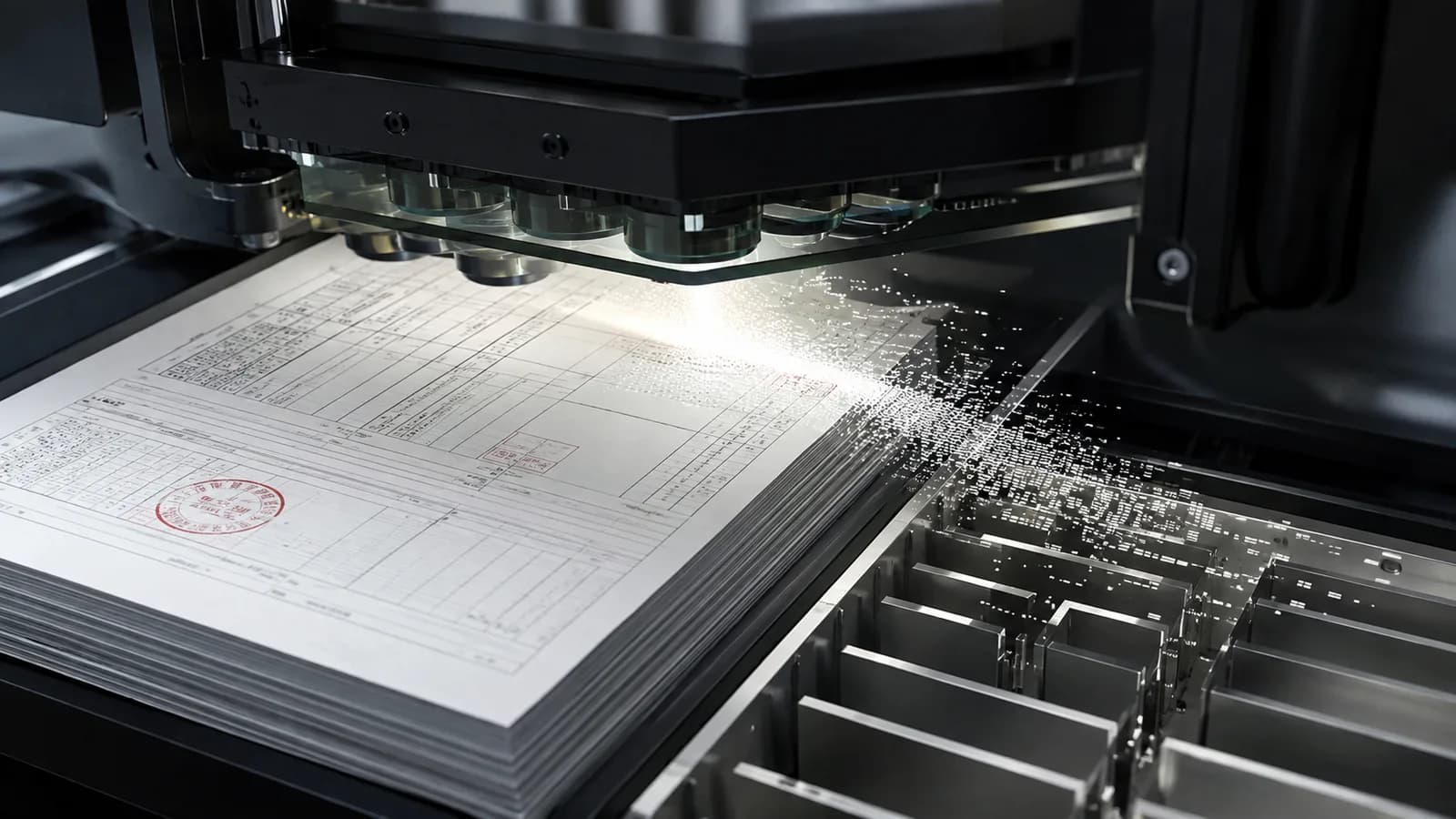
OCR recognises characters in an image or PDF. An invoice also contains a supplier, document number, dates, taxes, totals and line items; a contract contains parties, milestones, clauses and appendices. A flat text block still leaves downstream systems unable to place each value, and employees may need to reread almost the entire document.
Document AI adds layout, tables, key-value relationships, classification and schema-based extraction. Google Cloud describes its Invoice Parser as extracting invoice numbers, suppliers, amounts, taxes, dates and line items, while its layout parser preserves tables, lists and headings instead of flattening a document. Implementation should therefore begin with the business data the workflow needs, not with an OCR vendor choice.
- OCR: characters, coordinates and sometimes recognition quality.
- Document understanding: document type, layout, tables and business fields.
- Workflow: normalisation, validation, approval, system updates and audit trails.
- A good result remains traceable to its source page and region.
The goal of Document AI is not merely to read a PDF. It is to produce traceable, trustworthy data for the right workflow.
Architecture from document intake to approved data
A practical pipeline starts with a controlled intake channel such as upload, email, a synchronised folder or an API. It validates file type, size, malware, duplicates and scan quality before classification. OCR or a layout model then creates text, tables and coordinates; extraction maps them to a consistent schema such as supplier_name, invoice_number, total_amount or contract_expiry_date.
Validation follows extraction: data types, required fields, line-item totals, supplier master data and business rules. Missing, conflicting or low-confidence values enter a human-review queue with a crop of the source region. Only approved records pass through the integration layer into an ERP, CRM, DMS or automation workflow, with edits, approvals and retries recorded for reconciliation.
- 01. Ingestion, file validation, security and duplicate prevention.
- 02. Classification, OCR, layout and schema-based extraction.
- 03. Normalisation, validation, confidence and source-data checks.
- 04. Human review for exceptions and consequential fields.
- 05. Idempotent integration, audit logs, monitoring and reprocessing.
Select models for the document type and variation
Common invoices can begin with a prebuilt invoice processor. Microsoft Azure Document Intelligence describes an invoice model that uses OCR to extract fields and line items from invoices, utility bills and purchase orders into structured output. AWS Textract AnalyzeExpense normalises different labels into a common taxonomy and returns confidence and geometry. These capabilities can shorten a pilot, but they do not replace evaluation on the organisation's own samples.
Contracts and internal documents commonly vary more, with long tables, appendices, multi-page clauses and several languages. When a prebuilt model does not fit the schema, the design may combine layout parsing, rules, custom extraction or an LLM with structured output. Decide using a test set, cost per document, latency, data-residency requirements and source explainability rather than forcing every file through one model for diagram simplicity.
- Template stability and number of document classes.
- Languages, handwriting, rotation, blur and page count.
- Fields, tables, relationships and reconciliation rules.
- Privacy, data residency, latency and per-document budget.
Measure field-level quality and design human review
One headline accuracy number can hide important failures. A wrong character in a tax ID, account, amount or expiry date has a different consequence from punctuation in a note. Split the evaluation set by document type, supplier, scan quality and field; track suitable precision, recall or exact match, straight-through processing, exception rate and reviewer time.
Automation thresholds should not rely only on provider confidence. Calibrate confidence against real data and combine it with business rules. The review screen should take the user directly to the source region, highlight the uncertain value, support quick correction and record the reason. Corrections can improve future evaluation, but should only become training data under appropriate consent, cleaning and access controls.
- Field accuracy for each critical field and document group.
- Straight-through processing: documents completed without human handling.
- Exception rate, handling time and rework.
- Cost per accepted record rather than only per OCR page.
Run a focused Document AI pilot in 3–6 weeks
A pilot should focus on one document type, one target system and fields with clear value. The first week defines the schema, gathers representative samples, removes unnecessary data and records the current handling baseline. The next weeks build ingestion, review and evaluation; the final stage runs beside the old process to measure quality, time, exceptions and cost without automatically writing sensitive data into production.
Friday Works recommends expansion only when the agreed threshold is met and an operating owner is assigned. Depending on scope, handover includes the data map, schema, source code, processor configuration, test set, field-level report, API contract, dashboard and runbook. If template variation or review effort removes the benefit, the right outcome may be to narrow the document class, redesign the workflow or stop rather than automate at any cost.
- Week 1: representative samples, schema, baseline, permissions and acceptance criteria.
- Weeks 2–4: ingestion, extraction, validation, review and test integration.
- Weeks 5–6: parallel run, measurement, exception handling and an expand-or-stop decision.
- Never auto-post low-confidence data or difficult-to-reverse actions.
FAQ
Frequently asked questions
How is Document AI different from OCR?
OCR primarily recognises characters. Document AI also understands document type and layout, extracts schema fields and tables, applies validation, routes exceptions to reviewers and creates data for business systems.
Can invoice OCR be 100% accurate?
A 100% assumption is unsafe. Quality varies by template, scan, language and field. Measure on a representative test set, set thresholds by consequence and retain human review for uncertain data.
Can Document AI process contracts in several languages?
It can, but must be evaluated on real samples including tables, appendices, poor scans and varied templates. Long clauses also require source location and a review mechanism for the accountable owner.
Can OCR data update an ERP automatically?
It can after validation for stable field groups. Integration needs idempotency, approval state, audit logs, reconciliation and exception handling; consequential or low-confidence fields should not be posted automatically.
How many sample documents does a pilot need?
There is no universal number. The set must represent templates, suppliers, languages, scan quality and exceptions; scope is agreed after assessing variation and the quality criteria.
References
Sources used in this guide
We prioritise official guidance and primary technical sources. Visit each source for full context and the latest updates.