

ContentsTap to jump to a section+
- A good demo is not a reason to buy a fleet of headsets.
- Quest 3 fits work that benefits from spatial viewing, practice or 3D review.
- A pilot needs named users, a short duration and measurable criteria before it begins.
Do not start with “what can this headset do?”
VR headsets are often treated either as toys or as a replacement for screens and meetings. Both views are too simple. A headset helps only when it makes a particular task clearer, safer or easier to practise than a flat screen and verbal instruction.
Meta lists Quest 3 with Snapdragon XR2 Gen 2, 8 GB of RAM, 2064 x 2208 pixels per eye, head and hand tracking, and colour passthrough. Those capabilities enable spatial work; they do not prove that every business should buy hardware.
- Is there a spatial task people currently have to imagine from words?
- Is the current bottleneck understanding, practice or checking?
- Who will use the pilot first, and can they say it is not useful?
A VR headset earns its place only when it makes work easier to understand than a flat screen can.
Three stronger pilot candidates
Training that carries risk or consumes materials is a strong candidate: walking through safety steps, learning a site layout or practising a service interaction. If an error is cheaper in simulation than in the field, VR deserves a test.
The other useful cases are 3D review and scripted tours. For interiors, equipment, exhibition spaces or spatial data, near-life-size review can expose an issue before production. A tour still needs a reason to enter; visual novelty alone is not an outcome.
- Training: measure time to competence and errors after practice.
- 3D review: measure issues caught before build or production.
- Customer experience: measure completion, questions and next steps, not headset sessions.
Keep the trial short, but scripted
Do not hand people an app library. Give them one task with an input and outcome, such as identifying five checks in a virtual machine room or reviewing three layout options before a discussion. Each session should be short enough to avoid fatigue and long enough to complete the task.
Quest 3 supports up to 120 Hz, but people can still feel discomfort with fast motion, unfamiliar controls or long sessions. Seating, clear space, support and an immediate stop option are operational requirements.
- Choose 5-10 people in the real target role.
- Use the same task, duration and feedback questions for everyone.
- Record negative feedback as seriously as positive feedback.
Treat shared hardware as shared hardware
A VR headset is not a personal laptop. Shared use needs charging, cleaning, controller storage, account ownership and installation rules. Without those routines, it becomes a discharged object in a cabinet.
If the pilot involves a workplace, a customer model or internal content, decide what data can be entered, stored and viewed before the demo. Immersive tools make spaces easier to see, which can also expose information that should not be visible.
- Keep a cleaning, charging and handover checklist.
- Use test accounts away from production data where possible.
- Review camera, screen sharing and export permissions before loading real models.
End the pilot with a small clear decision
After two to four weeks, answer a few questions: which task became faster or clearer, who benefited, what preparation costs each session, and whether safety or data barriers remain. If the answer is vague, stopping is a good decision. If one team uses it and outcomes are measurable, then consider custom content or more devices.
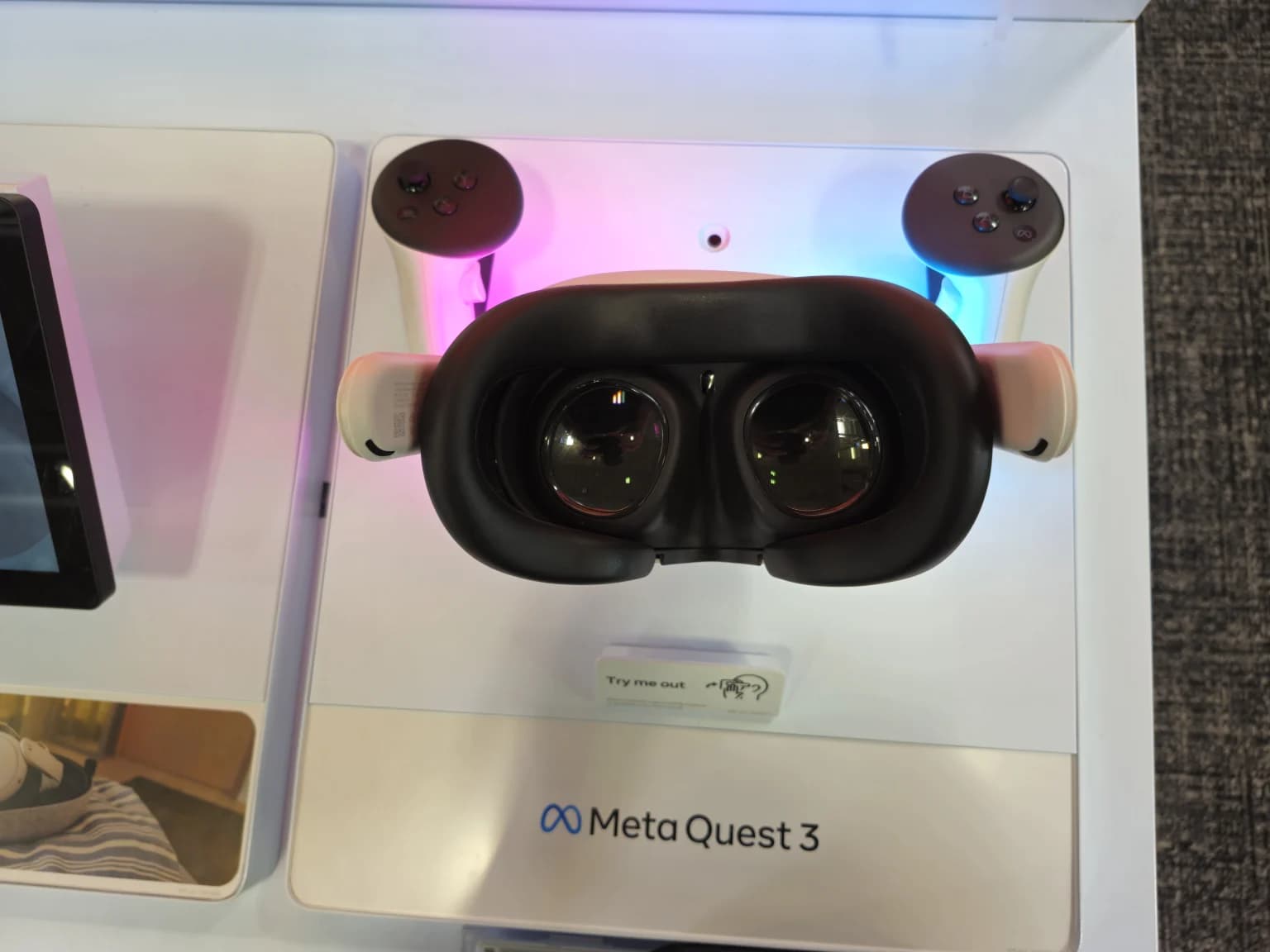
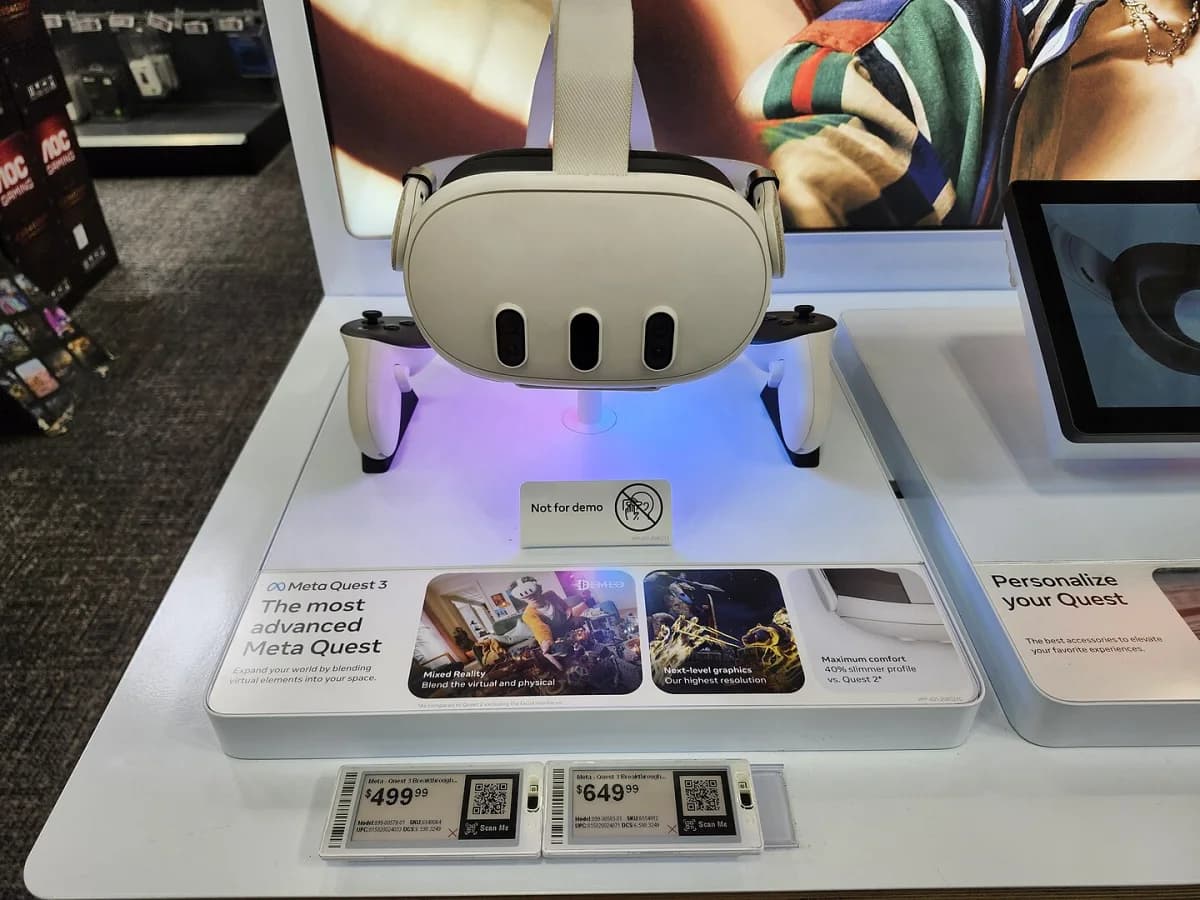
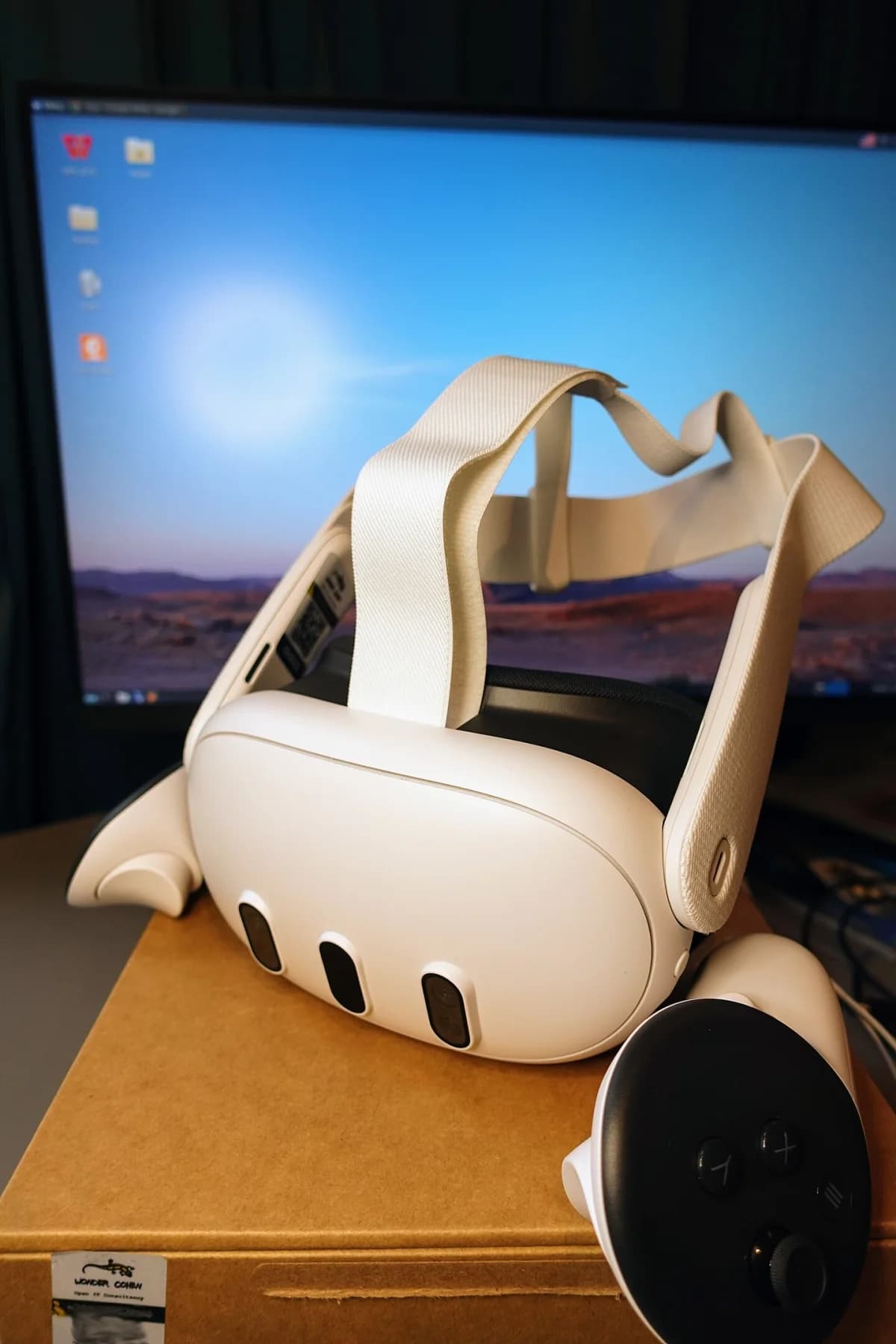
The cover is a real Meta Quest 3 photograph used under CC BY-SA 4.0 and compressed to WebP. It shows the device; the case for buying it must come from the workflow.
- Keep one strong use case rather than scaling three average ones.
- Include content preparation, support and hygiene in the cost.
- Buy more hardware only when an owner is responsible after the pilot.
FAQ
Frequently asked questions
Can Meta Quest 3 replace a work monitor?
It should not be the default replacement. It fits spatial review, 3D models and practice better; many office tasks remain more efficient on conventional displays.
How long should a VR pilot run?
Two to four weeks is usually enough for a narrow use case when it has real users, a defined task and a measurement plan before starting.
What matters for shared headset use?
Plan charging, cleaning, controllers, accounts, app permissions and the data that may appear in the experience.
References
Sources used in this guide
We prioritise official guidance and primary technical sources. Visit each source for full context and the latest updates.
- Compare Meta Quest devicesMeta Horizon OS Developers ↗︎
- Device-specific optimization: Quest 3 vs Quest 2Meta Horizon OS Developers ↗︎
- 70 công nghệ cao được ưu tiên đầu tư phát triểnVnExpress ↗︎
- 9 thiết bị công nghệ đáng chú ý trong tháng 5-2026PLO / Tuổi Trẻ Online ↗︎
- Ảnh bìa Meta Quest 3 demo unit — IHazACatNamedMax, CC BY-SA 4.0; Friday Works nén WebPWikimedia Commons ↗︎
- Ảnh trong bài: Meta Quest 3 display — IHazACatNamedMax, CC BY-SA 4.0; Friday Works tối ưu WebPWikimedia Commons ↗︎
- Ảnh trong bài: Controller of Meta Quest 3 (left) — Kyu3a, CC BY-SA 4.0; Friday Works tối ưu WebPWikimedia Commons ↗︎
- Ảnh trong bài: Lens inside Meta Quest 3 - 1 — Kyu3a, CC BY-SA 4.0; Friday Works tối ưu WebPWikimedia Commons ↗︎
- Ảnh trong bài: Meta Quest 3 side View — Roy.wonder.cohen, CC BY-SA 4.0; Friday Works tối ưu WebPWikimedia Commons ↗︎
- Ảnh trong bài: Meta Quest 3 Top View — Roy.wonder.cohen, CC BY-SA 4.0; Friday Works tối ưu WebPWikimedia Commons ↗︎