

ContentsTap to jump to a section+
- A foldable earns its place when it changes a workflow, not only because the display is larger.
- Durability, weight, battery and after-sales support need to be tested as one package.
- For company data, device management and security policy matter as much as hardware.
A larger screen is not the answer to every task
A foldable makes an immediate impression: a pocket device opens into something close to a tablet. But if most work is short messages, calls and quick photos, the larger screen may not create meaningful value. You also carry a heavier, thicker device that needs more care.
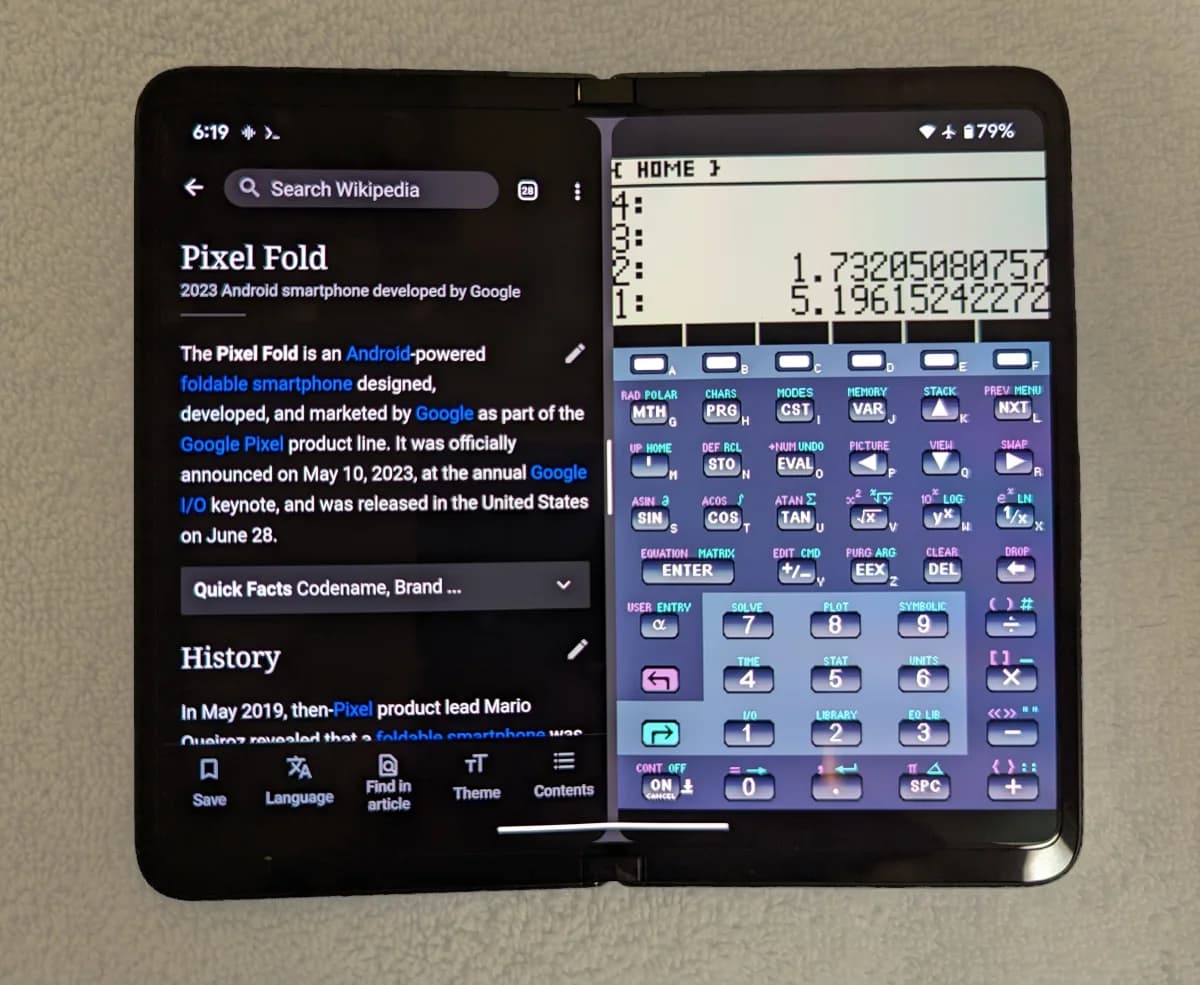
The clearer value is in work that needs two things visible at once: a spreadsheet and email, a drawing and notes, a PDF and a form, or a video call and reference material. Look at last week’s work and name at least two tasks that felt cramped on a normal phone first.
- Do you regularly use two apps at once?
- Are important documents difficult to read on your current phone?
- Do you need the larger screen while travelling, or is a laptop usually nearby?
A foldable phone does not make every task more productive; it creates space only when the work genuinely needs it.
Test a real workflow before testing the camera
Google lists the original Pixel Fold with a 5.8-inch outer display and a 7.6-inch inner display, both up to 120 Hz. Those figures describe space, not whether the applications you use benefit from it. An app that simply enlarges a phone layout may not make work faster.
At a demo, open company email, a PDF, spreadsheet, CRM or work chat. Try split screen, drag and drop, copying text and sending a file. Look for a saved action, not a feature that looks impressive for a minute.
- Bring three real files and three real applications to a demo.
- Try one-handed use while folded and two-handed use while open.
- Check whether important apps break layout, hide the keyboard or become hard to read.
The hinge, crease and weight are daily concerns
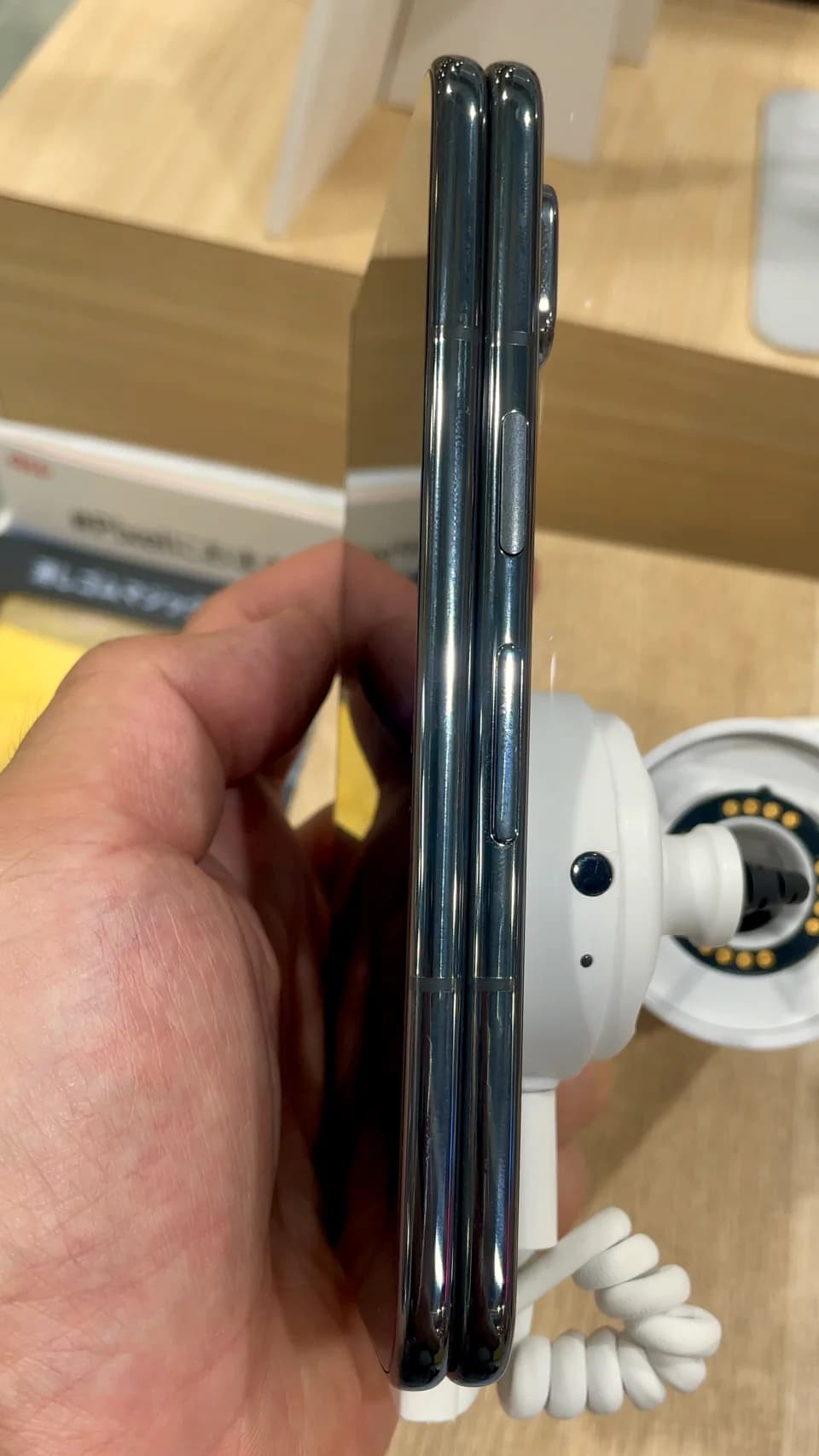
A foldable has another moving mechanism, so hinge testing means more than opening it a few times. See whether it holds the angles you need, stays steady on a desk, feels awkward at the screen edge or requires two hands in every situation.
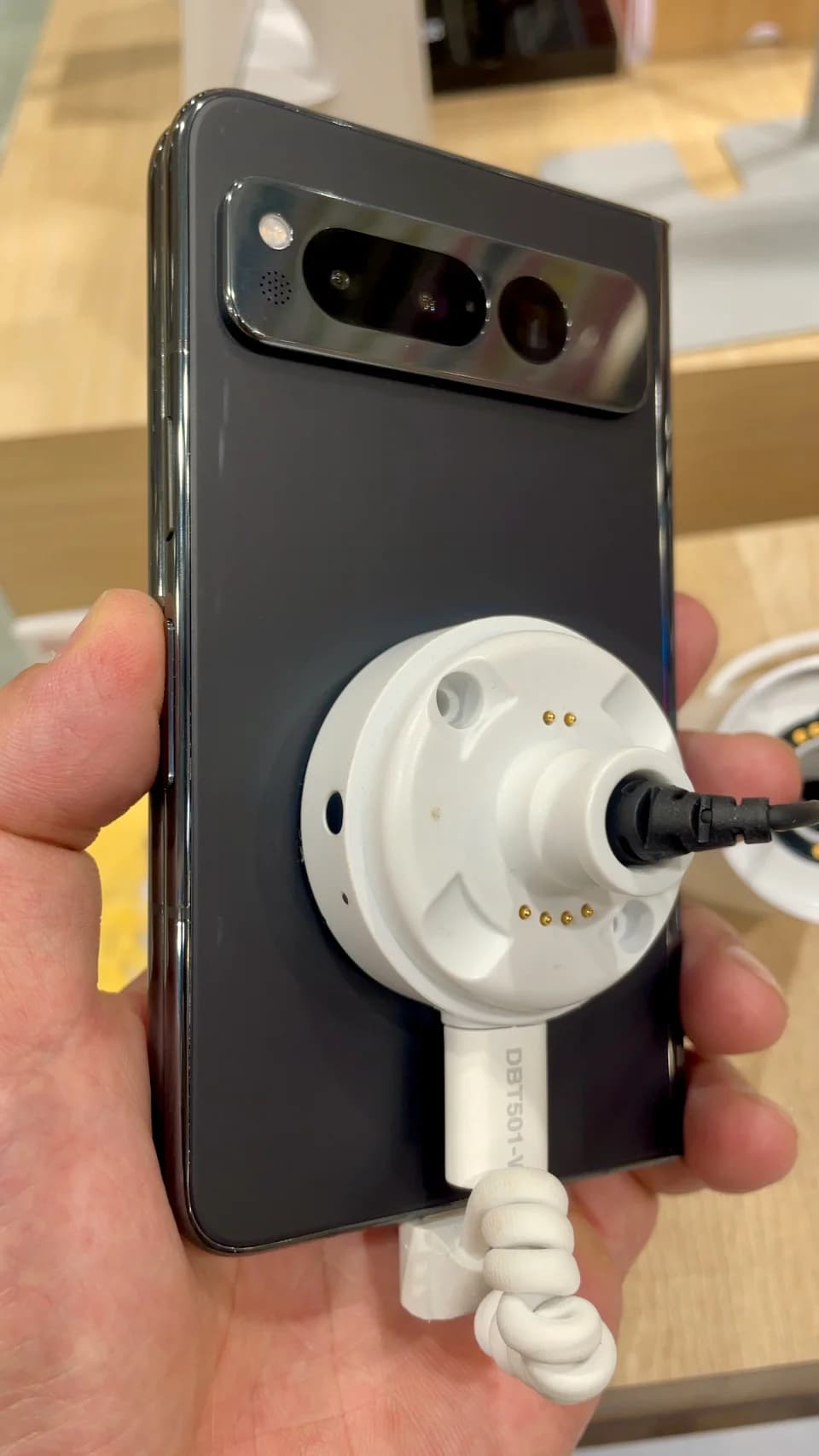
Weight needs context too. Google lists the original Pixel Fold at 283 g; newer devices may be lighter, but handling depends on thickness, weight balance and the case. A phone that feels heavy while reading for 20 minutes can send you back to a laptop quickly.
- Open, fold and stand the phone at several angles.
- Read a longer document for 10-15 minutes.
- Ask specifically about inner-screen, hinge and replacement-device terms.
Company use means company data on the device
For personal use, battery, camera and price may be enough. If a phone receives work email, contracts, site photos or customer data, add screen lock, updates, backups, access controls and remote wipe to the decision. These can determine whether it belongs in a company device programme.
Foldables are not automatically less secure than conventional phones. The bigger risk is management: shared accounts, missed updates, unsanctioned apps and sensitive files mixed into personal storage. Ask IT or the provider how the company’s device management applies before buying several units.
- Use a strong lock, biometrics and automatic updates from day one.
- Separate work and personal data under the device policy.
- Check backup, recovery and remote wipe processes for lost devices.
Decide after a week of real use
A short demo tells you whether the phone looks good. A week tells you whether you actually open it to work or use it as a conventional phone. Note how often you multitask, when you return to the laptop, and where the device slows you down. That is better evidence than the first 15 minutes.
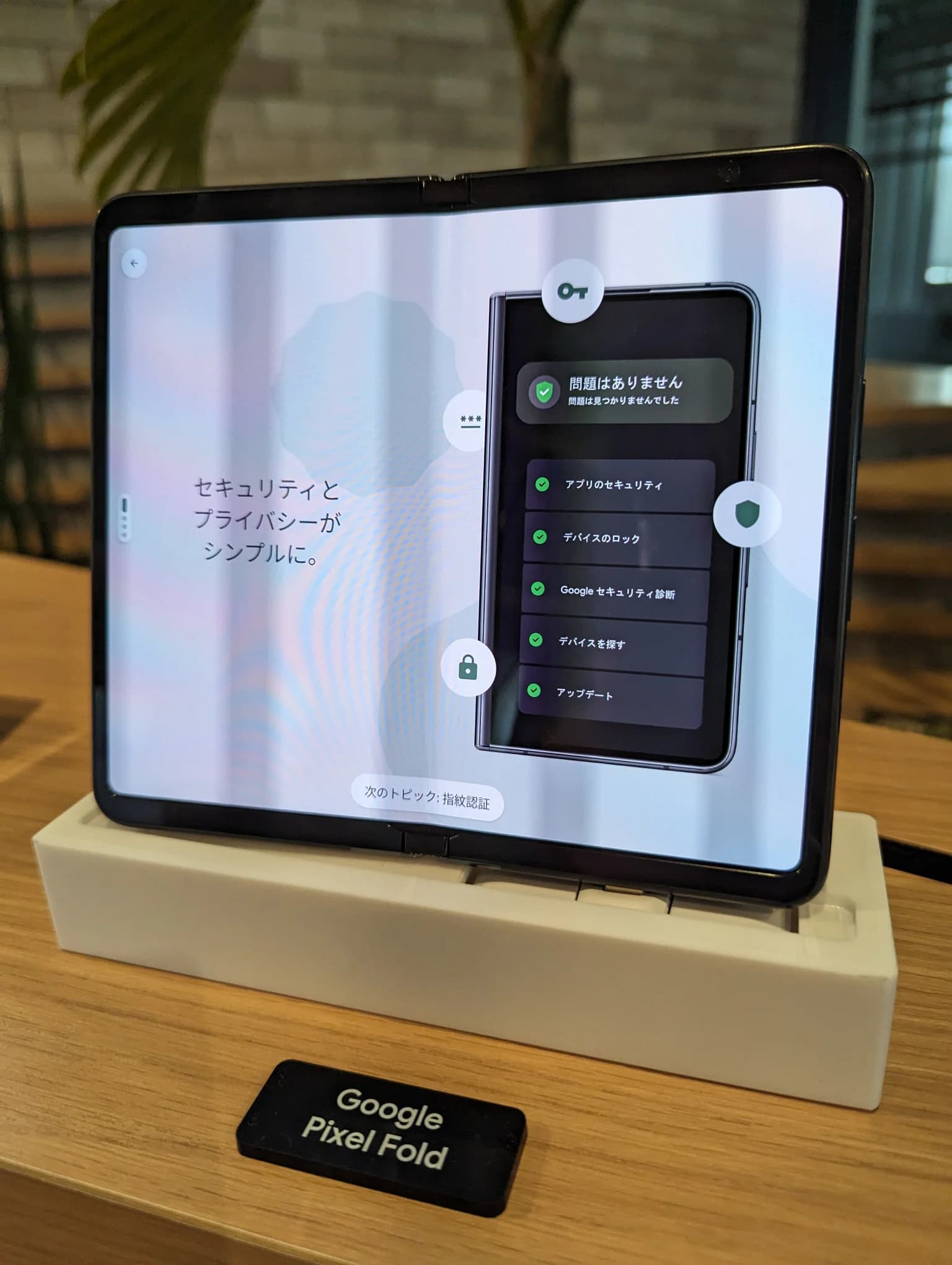
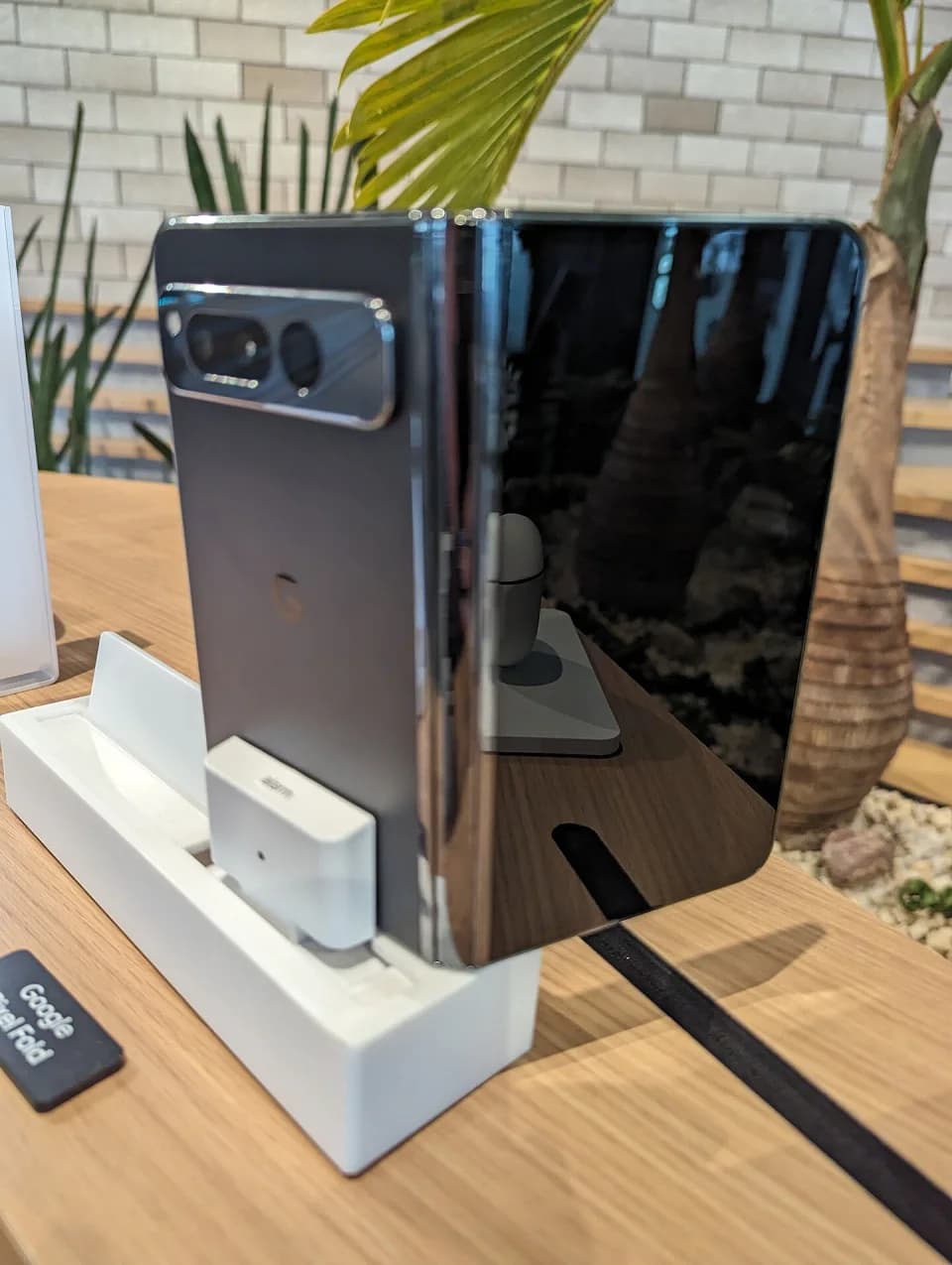
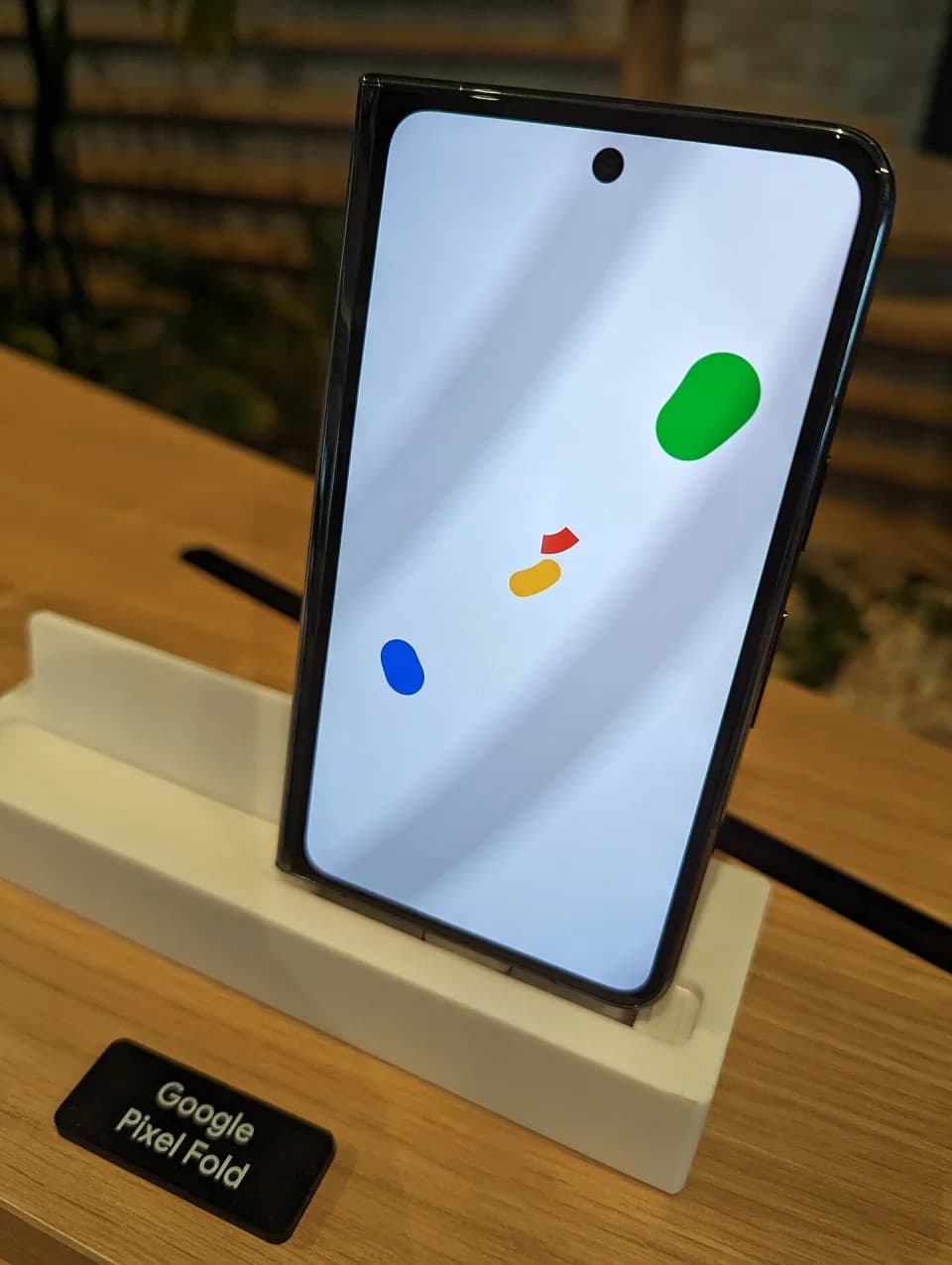
The cover is a real Google Pixel Fold photo from the Shibuya Stream display. Its author released it under CC0 and Friday Works compressed it to WebP. It illustrates the device class; it does not claim that Pixel Fold is the best choice for everyone.
- Borrow or rent a device before buying for a team.
- Compare the full cost including case, extended warranty and repair.
- Keep a conventional phone when the folded workflow has no clear benefit.
FAQ
Frequently asked questions
Are foldable phones good for work?
They can be, when you regularly read documents, multitask or need a wider view while travelling. For short messages and calls, the benefit may not justify the price and weight.
What should I check before buying a foldable?
Test real work applications, displays, hinge, weight, battery, warranty and management/security if the device will carry company data.
Should a company buy foldables for a whole team immediately?
Start with a small group. Measure useful multitasking, durability and handling feedback, and support costs before expanding.
References
Sources used in this guide
We prioritise official guidance and primary technical sources. Visit each source for full context and the latest updates.
- Pixel phone hardware technical specificationsGoogle Pixel Phone Help ↗︎
- Safety and regulatory guide for Pixel FoldGoogle Pixel Phone Help ↗︎
- 9 thiết bị công nghệ đáng chú ý trong tháng 5-2026PLO / Tuổi Trẻ Online ↗︎
- Sản phẩm công nghệ - Thiết bị công nghệ mới nhấtVnExpress ↗︎
- Ảnh bìa Google Pixel Fold, Shibuya Stream — Syced, CC0; Friday Works nén WebPWikimedia Commons ↗︎
- Ảnh trong bài: Google Pixel Fold - 2 — Kyu3, CC BY-SA 4.0; Friday Works tối ưu WebPWikimedia Commons ↗︎
- Ảnh trong bài: Google Pixel Fold - 4 — Kyu3, CC BY-SA 4.0; Friday Works tối ưu WebPWikimedia Commons ↗︎
- Ảnh trong bài: PixelFold — PopePompus, CC BY-SA 4.0; Friday Works tối ưu WebPWikimedia Commons ↗︎
- Ảnh trong bài: Google Pixel Fold, Shibuya Stream 15 — Syced, CC0; Friday Works tối ưu WebPWikimedia Commons ↗︎
- Ảnh trong bài: Google Pixel Fold, Shibuya Stream 21 — Syced, CC0; Friday Works tối ưu WebPWikimedia Commons ↗︎