

ContentsTap to jump to a section+
- Choose by game library and where you play before comparing chips.
- Real battery life depends on the game, frame cap and screen brightness.
- Check warranty, accessories and repair support before ordering.
Start with one ordinary question
Handheld gaming PCs package a screen, controls and a small computer into one device. Buying decisions often go wrong at the first step: people compare chips and frame rates before deciding where they will play, which games matter and how much time a session really lasts.
If you mainly play at home and already own a PC or console, an expensive handheld may not solve a new problem. It becomes useful when travel, short sessions or an existing Steam library are central to the routine.
- Will you install games locally, stream from a home PC, or use cloud gaming?
- Is a normal session 30 minutes, an hour, or an evening?
- Are you willing to carry a charger, dock, mouse or keyboard?
A powerful device is not useful if it stays at home while your real use case is a 30-minute commute.
Battery claims are not a schedule
Valve lists a 50 Wh battery and an estimated 3-12 hours for Steam Deck OLED, while noting that the game, frame cap, brightness and volume change the result. That principle applies to every handheld: a light 2D game and a large open-world title can produce very different battery life on the same hardware.
Test your own game for 20-30 minutes with Wi-Fi, normal brightness and the headphones you use. Fan noise, grip temperature and battery drop are more useful signals than a headline number.
- Confirm USB-C charging power and included accessories.
- Value easy FPS and power controls over peak benchmark numbers.
- Do not buy a dock until you know you will use an external screen.
The operating system shapes daily use
SteamOS is built around controller navigation and Steam compatibility labels. Windows handhelds are more open for launchers, Game Pass and PC software, but also bring updates, sign-ins and small desktop controls. Neither approach wins for everyone.
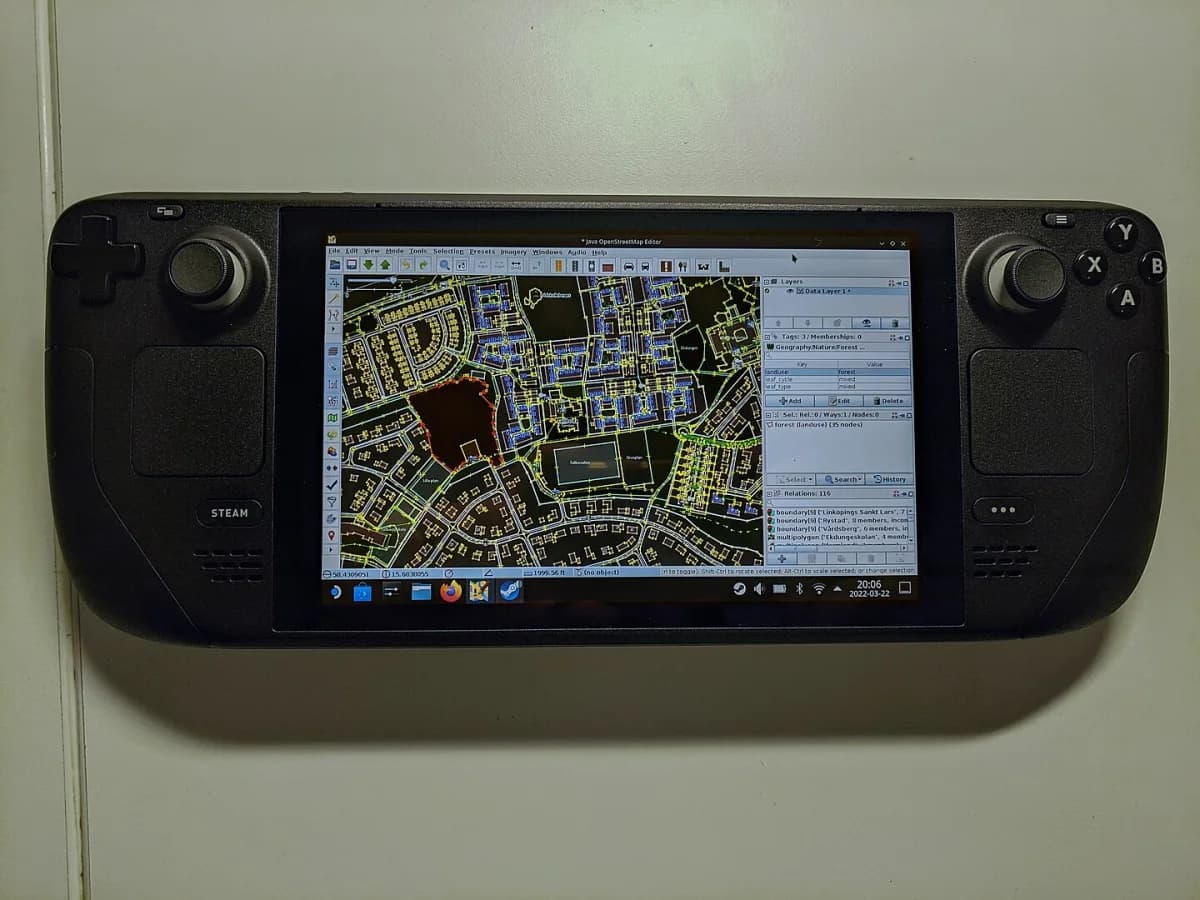
Check your ten most-played games individually, especially titles with anti-cheat or separate launchers. A machine that technically runs a game can still be a poor fit for a quick 20-minute session.
- Check each important game, not a generic compatibility claim.
- Try sign-in, updates and settings with the controller.
- Confirm local warranty and repair support before ordering.
A good screen still needs a comfortable body
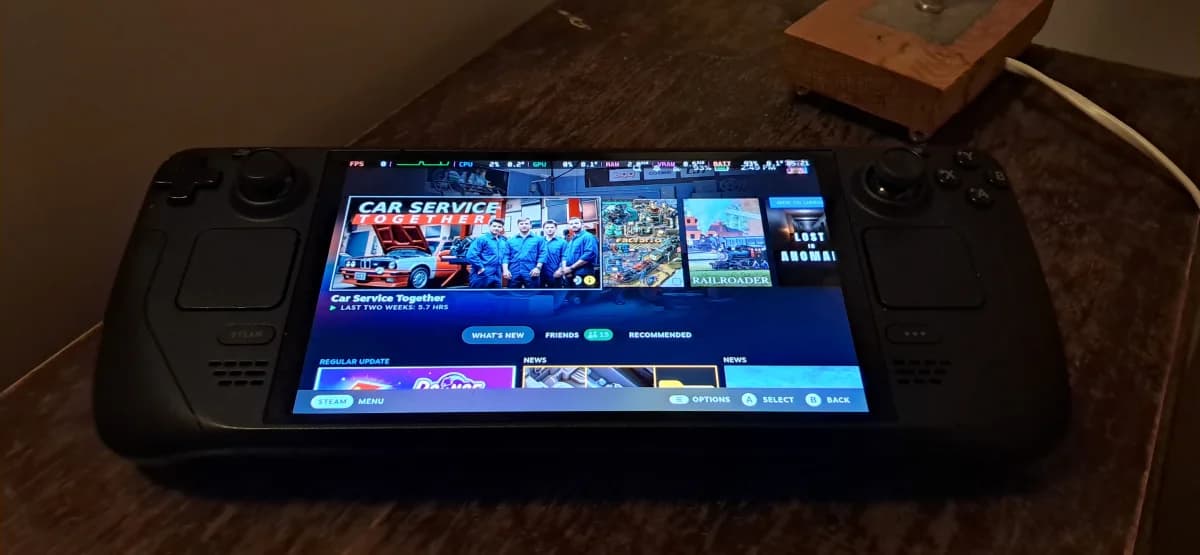
Steam Deck OLED has a 7.4-inch HDR OLED display, up to 90 Hz, and weighs about 640 g according to Valve. Those figures matter only after you hold the device in the positions you will actually use for more than a few minutes.
A larger display can help with text and strategy games, but it also creates a larger, heavier device. For retro and indie players, control balance and interface comfort can matter more than diagonal size.
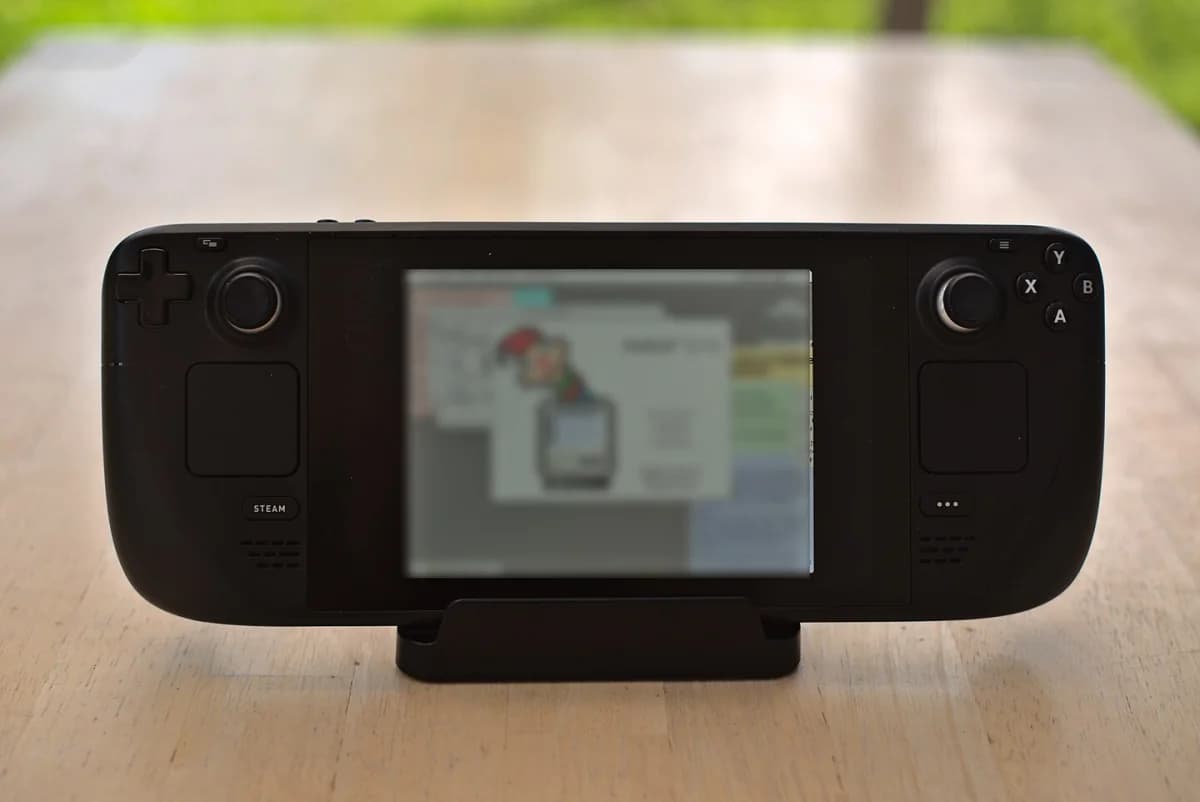
- Read real in-game text at your normal viewing distance.
- Hold the device for at least 15 minutes where possible.
- Check that controls match the games you play.
Finish with a small real-world test
Sign in to your library, run one demanding and one light game, then charge the device and pair your usual headphones. If those steps are smooth, the device has a chance of becoming part of your routine. If sign-in and setup already feel tedious, novelty will not fix it.
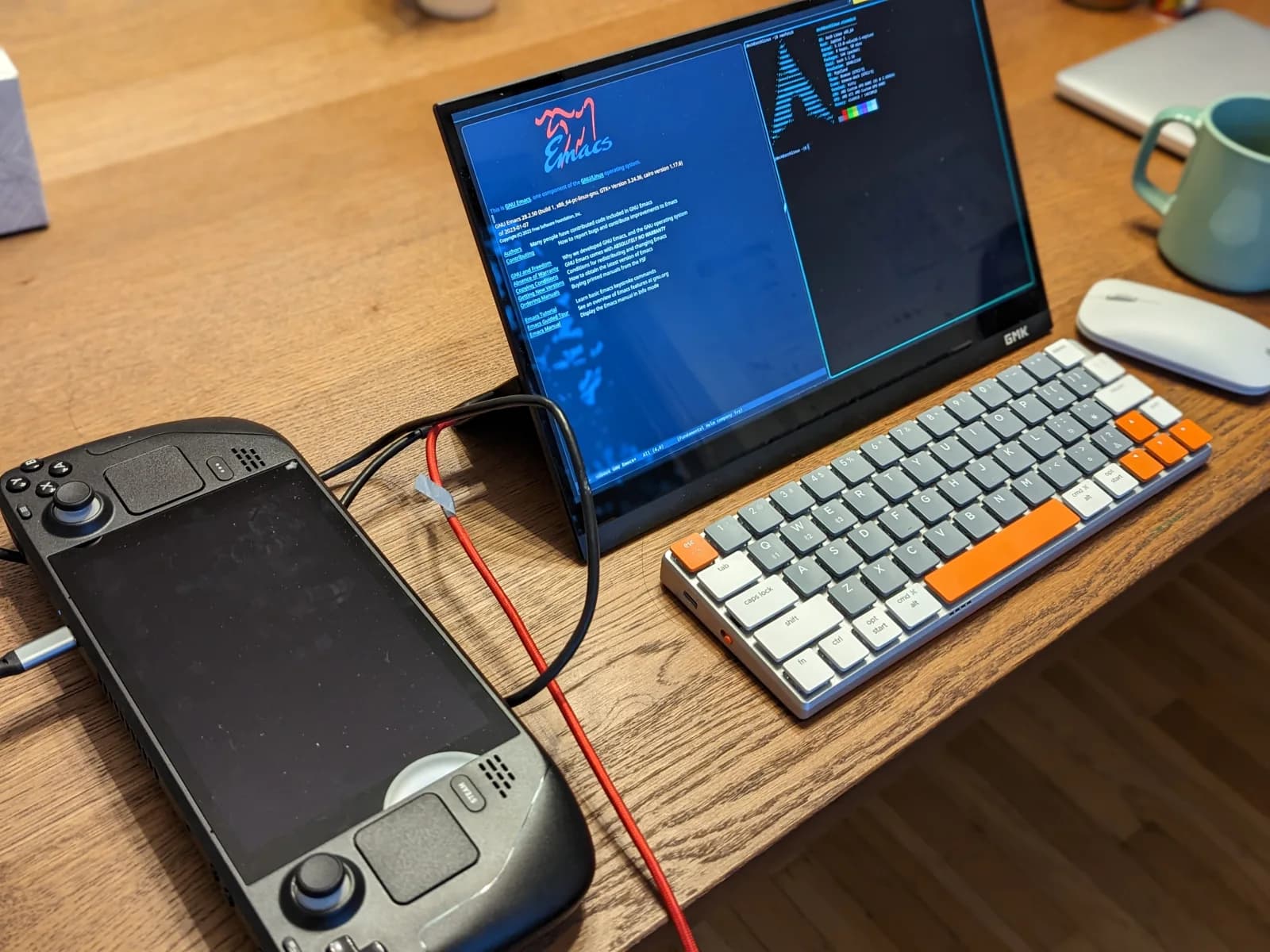
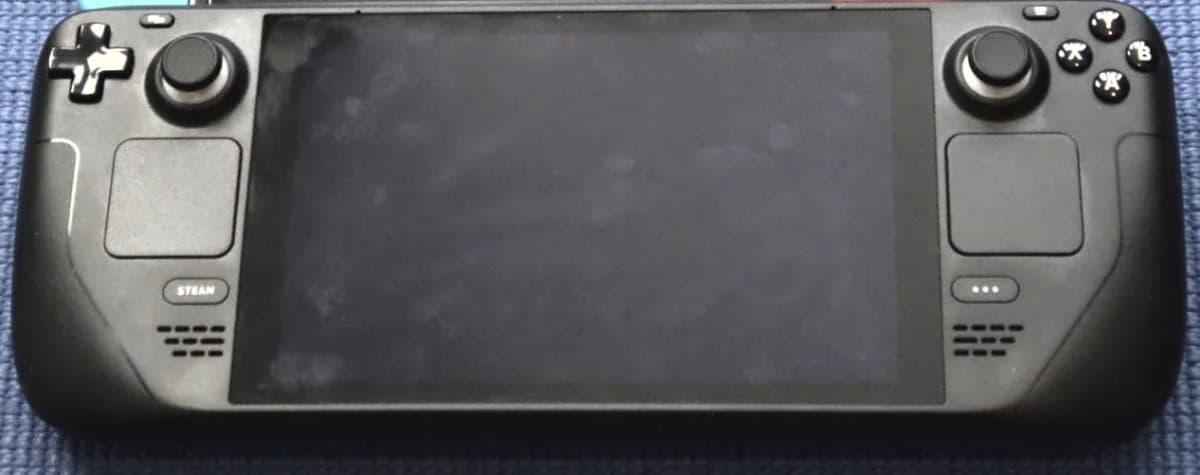
The cover is a real Steam Deck LCD photograph, not an AI illustration. It shows proportion and control layout, but it cannot replace a hands-on trial or a warranty check.
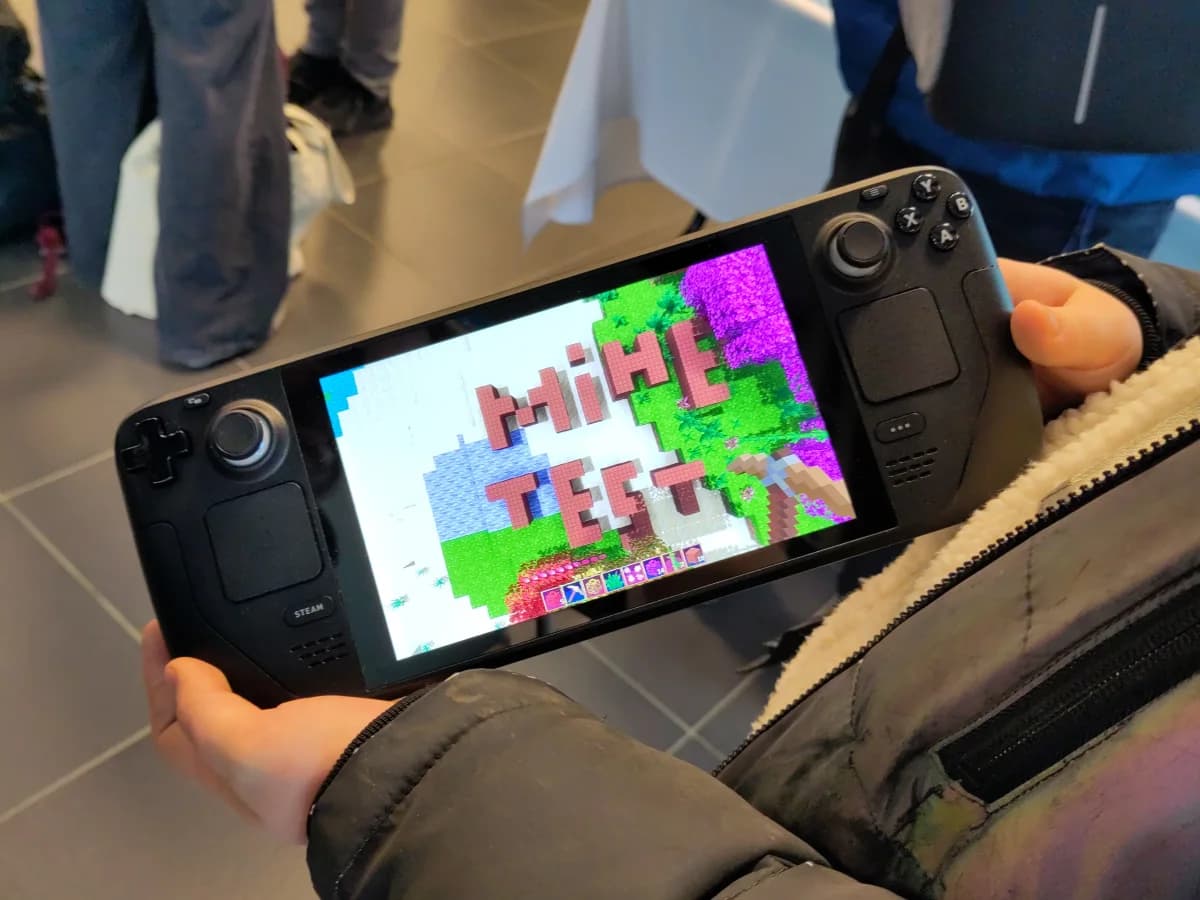
- Buy where the return and warranty terms are clear.
- Budget for storage, case, dock and charging accessories.
- Review actual play time after one week before adding accessories.
FAQ
Frequently asked questions
Can a handheld replace a PC or console?
For some people it can cover most play time, but not by default. Consider your games, display needs, accessories and performance expectations first.
Should I buy the most powerful chip?
Not on chip power alone. Operating system, game compatibility, battery, comfort and warranty often decide whether a device is used long term.
Does Steam Deck support every Steam game?
No. Check compatibility for each important game, including anti-cheat and separate launcher requirements, before buying.
References
Sources used in this guide
We prioritise official guidance and primary technical sources. Visit each source for full context and the latest updates.
- Steam Deck technical specificationsValve ↗︎
- Acer ra mắt máy chơi game cầm tay đầu tiên chạy chip Intel ArcGenK ↗︎
- 9 thiết bị công nghệ đáng chú ý trong tháng 5-2026PLO / Tuổi Trẻ Online ↗︎
- Ảnh bìa Steam Deck dùng như máy tính để bàn — Daisuke Murase, CC BY-SA 2.0; Friday Works tối ưu WebPWikimedia Commons ↗︎
- Ảnh trong bài: Steam Deck (front) — Liam Dawe/GamingOnLinux, CC BY-SA 4.0; Friday Works tối ưu WebPWikimedia Commons ↗︎
- Ảnh trong bài: Steam Deck OLED — SparklesTrainNerd, CC BY-SA 4.0; Friday Works tối ưu WebPWikimedia Commons ↗︎
- Ảnh trong bài: JOSM on the Steam Deck — Riiga, CC BY-SA 4.0; Friday Works tối ưu WebPWikimedia Commons ↗︎
- Ảnh trong bài: System 7 on the Steamdeck — Thomas Vogt, CC BY 2.0; Friday Works tối ưu WebPWikimedia Commons ↗︎
- Ảnh trong bài: Minetest on Steam Deck — Zughy, CC BY-SA 4.0; Friday Works tối ưu WebPWikimedia Commons ↗︎