

ContentsTap to jump to a section+
- Cron testing needs Wrangler 4.139.0 or Vite plugin 1.60.0 or later.
- A test invokes scheduled() once and does not change deployed schedules.
- Check UTC, simulated time and business results, not just an ok outcome.
A browser control for scheduled-handler tests
Cloudflare’s October 17, 2026 update adds Cron Trigger testing to Local Explorer, the browser interface for local Workers development. Teams can invoke scheduled() and inspect its outcome. It is useful for evaluating scheduled reports or synchronization, but a local test does not create a deployed schedule.
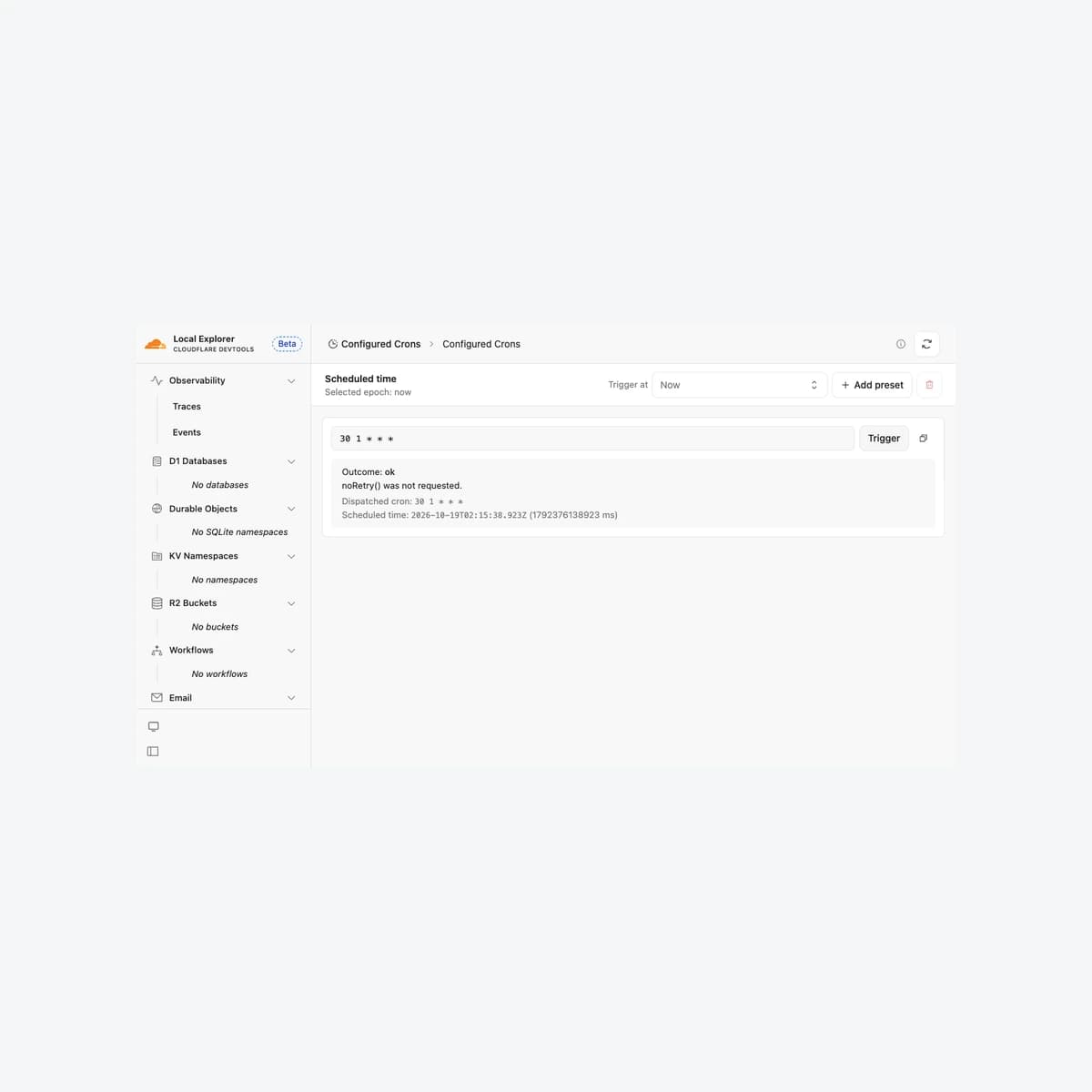
The feature requires Wrangler 4.139.0 or Cloudflare Vite plugin 1.60.0 or later. On October 19, Friday Works ran an isolated sample with Wrangler 4.139.0, opened Configured Crons and received an ok outcome. The sample had no production resources or customer email/report delivery.
One invocation is different from an active scheduler
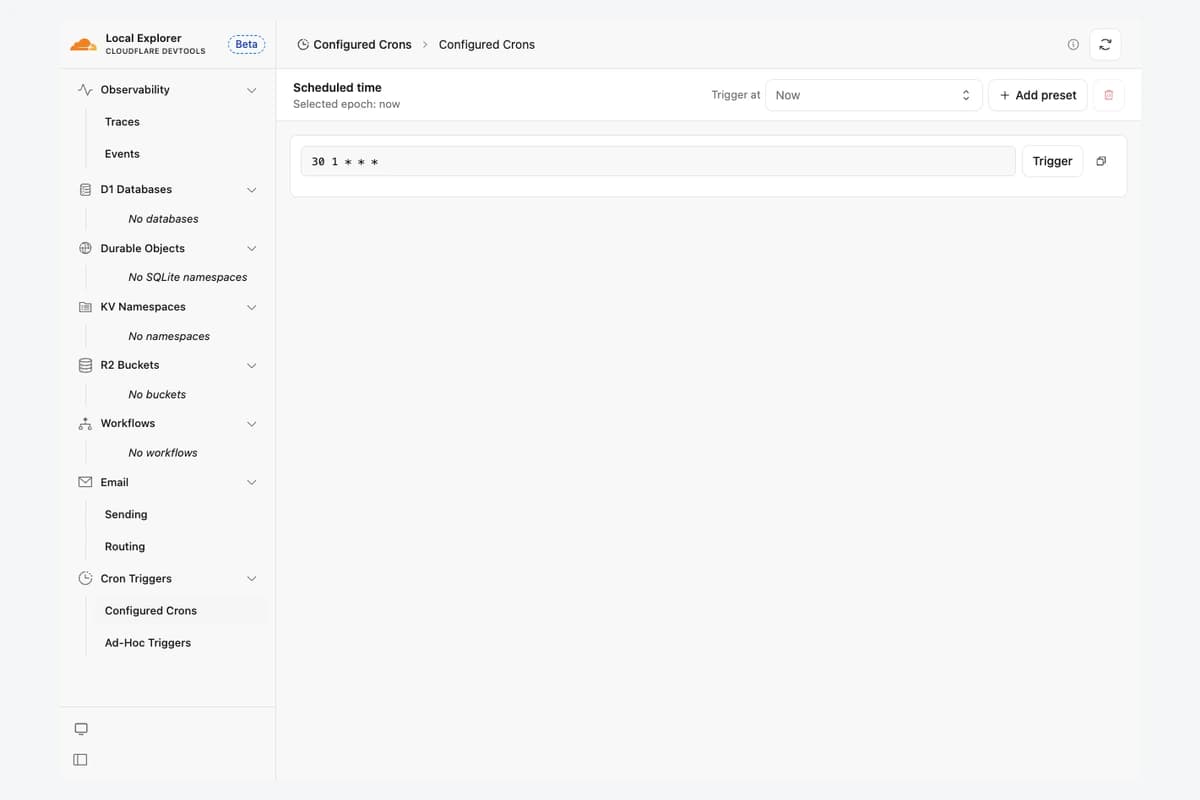
Cron expresses a schedule through time fields. Local Explorer can invoke configured expressions or ad hoc tests using now or saved times. Cloudflare says ad hoc expressions and time presets live in the browser and do not modify deployment configuration or cloud triggers.
Local development does not run Cron schedules automatically. Invoke the test deliberately, then verify deployment configuration and logs separately for an actual automated workflow.
Friday Works recommends separate acceptance criteria for handler behavior and scheduled dispatch. A successful manual invocation cannot establish that production will call the job at the intended time.
Use a concrete time-zone check
Cloudflare Cron Triggers use UTC. Friday Works configured 30 1 * * * for 01:30 UTC, or 08:30 in Vietnam. The screenshot records a Trigger click at the test’s scheduled time, not proof of an automatic 08:30 run. Its UTC timestamp is unchanged.
Use simulated times to evaluate reporting dates, week boundaries and month-end behavior. Record both UTC and the business time zone so a local clock does not conceal a date-boundary error.
Friday Works also recommends testing the same reporting period twice to check duplicate-delivery or duplicate-write controls. That is workflow design advice, not a claim that Local Explorer automatically provides business-level deduplication.
Inspect outcomes and business outputs
Local Explorer shows invocation outcome and noRetry() status. Cloudflare says full logs and traces are available in the owning development session with Observability enabled, providing evidence of what the handler did.
Friday Works recommends checking business outputs as well: correct report data, plausible record counts and persisted completion state. The demo’s ok result only establishes a normal sample invocation; it does not validate a customer’s accounting, payments or email integration.
The update makes pre-deployment checks easier to observe. Production still needs verification of a real scheduled run, an approved stop path and an incident owner. The product update is dated October 17 and Friday Works’ local demonstration October 19.
References
Sources used in this guide
We prioritise official guidance and primary technical sources. Visit each source for full context and the latest updates.
- Test Cron Triggers with Local Explorer — announcement 17 October 2026Cloudflare ↗︎
- Local Explorer — minimum versions, local-only invocation, time presets and resultsCloudflare ↗︎
- Cron Triggers — UTC scheduling and configurationCloudflare ↗︎
- Original local Cron Triggers screenshot, Friday Works, 19 October 2026; genuine Local Explorer 4.139.0 with isolated sample Worker. Neutral framing and proportional resize.Friday Works / Cloudflare ↗︎
- Cloudflare Workers SDK source and licence notices; local screenshot retains original interfaceCloudflare ↗︎