

ContentsTap to jump to a section+
- Do not delete logs or reinstall immediately; they may be the only evidence of cause.
- Contain the impact by restricting risky access while keeping a copy for investigation.
- Recovery is incomplete until the cause is patched, credentials are rotated and the site is retested.
1. Verify the signal and preserve evidence
Common signals include redirects, unfamiliar admin activity, injected content, unusual email volume or monitoring alerts. One signal does not prove an attack, but it is enough to start a documented investigation.
Record discovery time, relevant URLs, screenshots, error messages and recent changes. Preserve access logs, application logs and the current configuration before deleting or reinstalling anything. The first attempted fix can otherwise erase the cause.
CISA treats identification, containment and preservation as separate parts of incident response. For a business website, that means not rushing to make a site merely look normal again.

In a security incident, the fastest action is not always the right action. Preserved evidence helps a team fix the real cause.
2. Contain impact before restoring
Revoke sessions, rotate passwords and API keys, and disable unnecessary accounts when credentials may be exposed. If malicious code may be running, consider maintenance mode or blocking the abused path based on customer and data impact, not only whether the page still opens.
Do not run a destructive clean-up tool against the only server copy. It may remove important files or change timestamps. If specialist help is not available, preserve the environment and restrict access first.
3. Restore from a clean point and test the cause
A backup is useful only when it predates the intrusion and can be restored. Update the platform, remove excess accounts and rotate related credentials. Check scheduled jobs, mail-forwarding rules and deployment keys as well.
Then retest important flows, inspect logs and document confirmed facts separately from assumptions. Honest incident notes prevent unnecessary panic and make follow-up work clearer.
FAQ
Frequently asked questions
Should we shut the website down as soon as we suspect an attack?
There is no universal answer. Restrict access when customer data or users may be at risk, but preserve evidence and weigh operational impact before changing the environment.
Is changing passwords enough?
No. It limits risk but does not identify the cause. Review accounts and keys, patch the weakness and monitor after recovery.
References
Sources used in this guide
We prioritise official guidance and primary technical sources. Visit each source for full context and the latest updates.
- 82% doanh nghiệp Việt muốn lập trung tâm điều hành an ninh mạngVnExpress ↗︎
- Trend Micro tái định danh mảng an ninh mạng doanh nghiệpVnExpress ↗︎
- Computer Security Incident Handling GuideNIST ↗︎
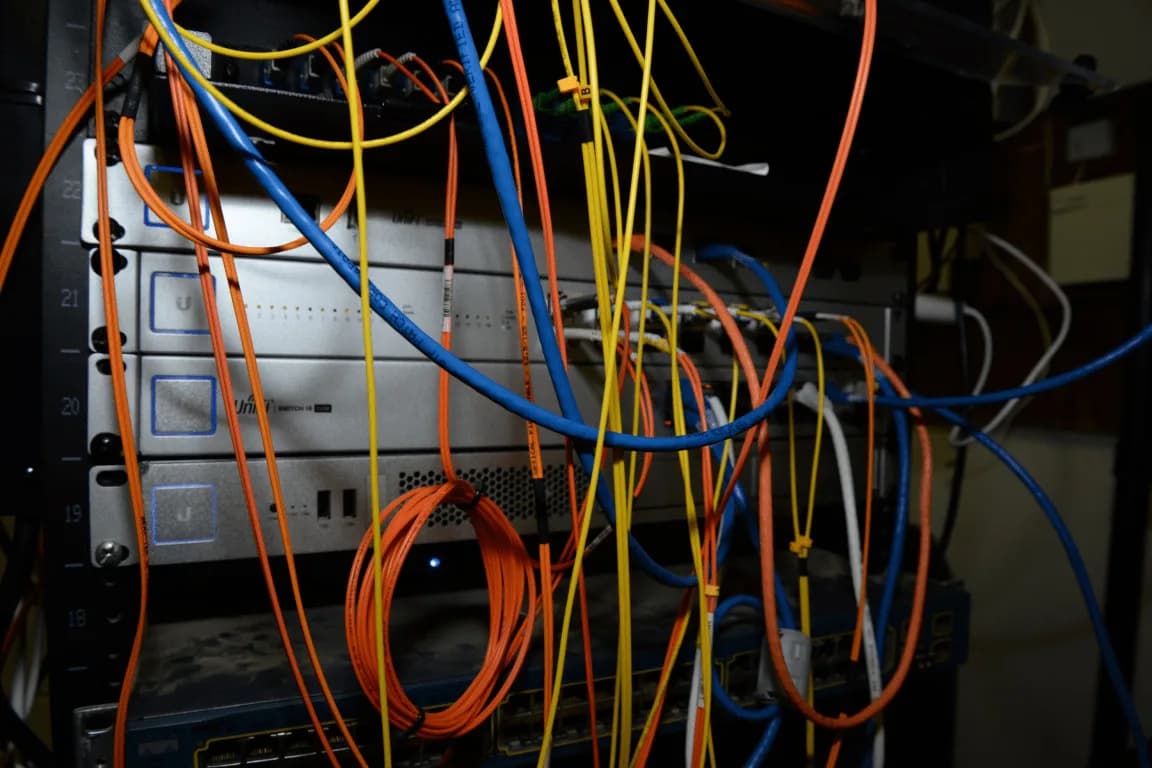
- Cluttered server rack filled with colorful cables and networking equipment — Federal Bureau of Investigation, Public Domain (cropped)Wikimedia Commons ↗︎