

ContentsTap to jump to a section+
- Requires the Sheets iPhone/iPad app and an eligible plan.
- Analysis is limited to the active tab, not the full workbook.
- Mobile-generated charts are static images, not live data-linked objects.
Data questions come to the iOS app
Google announced Gemini in the Google Sheets iOS app on October 19, 2026. iPhone and iPad users can ask about data, review summaries and generate charts. The rollout began October 15 and can take 15 days; account eligibility and the active tab should be checked before relying on an answer.
This is a platform expansion, not a security advisory or a guarantee of analytical accuracy. Mobile analysis is limited to the active tab, so a question about an entire year may lack evidence when months are stored across several tabs.
Questions are supported; spreadsheet actions remain limited
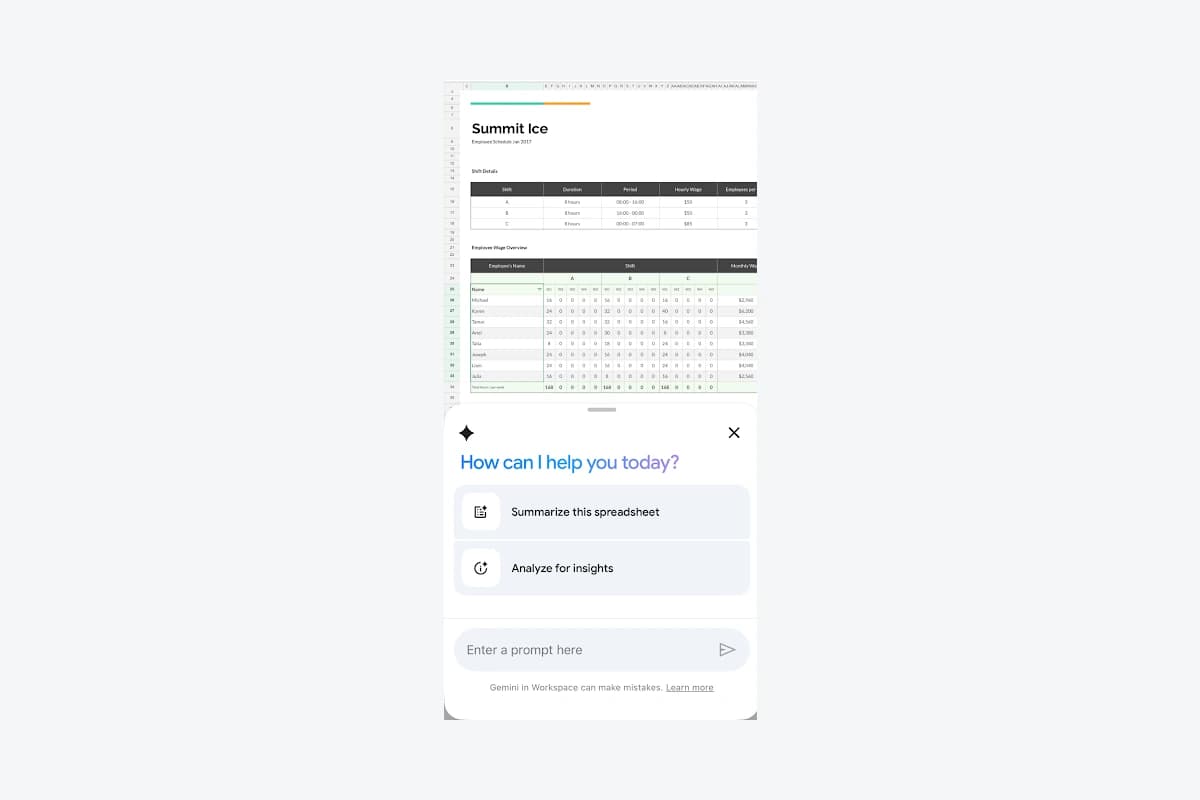
Google’s iPhone and iPad instructions use the Gemini button and prompts or suggested summaries. They explicitly exclude editing and formatting actions on iOS, including adding rows or columns and creating pivots through action requests. Desktop capability lists should not be treated as mobile promises.
Friday Works suggests using mobile for reviewing a prepared expenses tab while travelling. Specify the period, currency and columns, then check important figures against source cells before forwarding the summary.
Move structural changes and multi-source reporting to a supported environment. Repeating a prompt cannot reliably add a feature the platform does not support; that limitation is not evidence of a broken account.
Mobile charts are snapshots rather than live reports
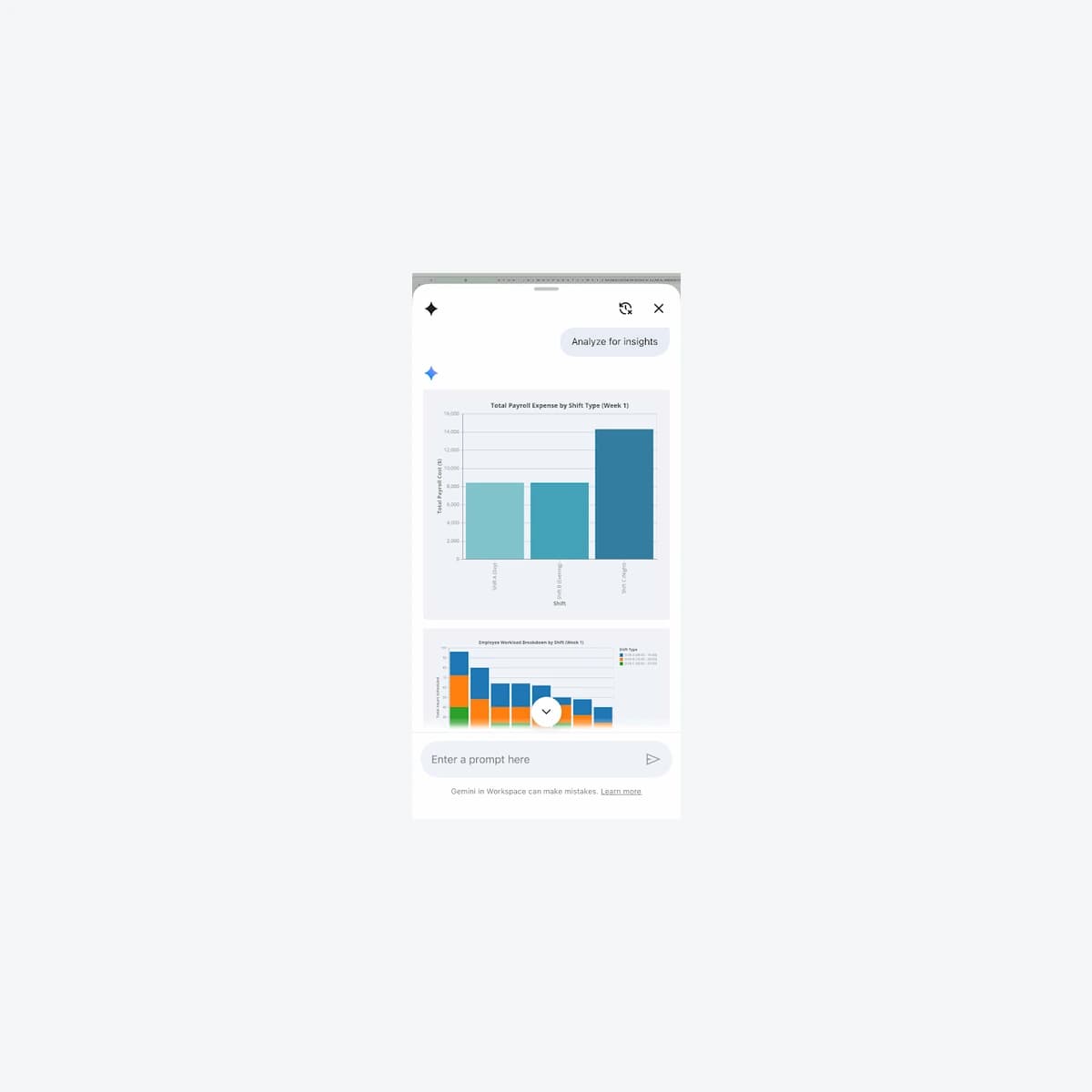
Generated charts can be saved to Drive as images. Google warns that these charts do not stay linked to changes in the original dataset. A previously saved chart is therefore not a refreshed report when cells change.
Friday Works recommends labeling the data period and capture time when sharing a chart. A September-expenses snapshot should not represent an evolving report merely because the source file keeps the same name.
Google also recommends native Sheets files for the best experience. Test any Excel-to-Sheets conversion on a non-sensitive copy before changing a shared business workbook.
Check eligibility, controls and a known-answer example
The announcement lists eligible Business and Enterprise editions, Education with Google AI Pro for Education and Google AI Plus/Pro/Ultra. Existing administrative Gemini controls still apply; there is no new mobile-only administrator switch in the notice. Eligible accounts may still be waiting for rollout.
Friday Works suggests a known-total sample sheet, a column-specific question and a check against the source. Then switch tabs to establish scope and label any saved chart correctly. Avoid adding sensitive data merely to enrich a prompt.
The article uses Google’s actual iOS Employee Tracker demonstration and chart screen. It does not substitute Android UI, claim demo metrics as customer outcomes or assert universal Vietnamese availability.
References
Sources used in this guide
We prioritise official guidance and primary technical sources. Visit each source for full context and the latest updates.
- Official announcement —19 October2026; see article for separate rollout datesGoogle Workspace ↗︎
- Gemini in Sheets — iPhone/iPad scope, static charts and action limitationsGoogle Docs Editors Help ↗︎
- Manage access to Gemini in Workspace servicesGoogle Workspace Help ↗︎
- Official product demonstration, published 19 October 2026; © Google, sample data. Selected static frame/crop, proportional resize and neutral framing; not customer results.Google Workspace ↗︎
- Google product screenshot guidance: explanatory/educational use; copyrighted UI, not a Creative Commons photograph. No affiliation or endorsement.Google ↗︎