

ContentsTap to jump to a section+
- The 16.5 million figure refers to detected account records, not 16.5 million unique people or confirmed company breaches.
- A suspected account requires session invalidation, token revocation and log review; a password reset alone may not remove an attacker.
- Multi-factor authentication, permission control and response speed determine whether an alert prevents an incident.
What the figure does and does not mean
A portal operated by Vietnam’s Ministry of Science and Technology cited Viettel Threat Intelligence data showing more than 16.5 million stolen account records linked to Vietnam in the first half of 2026. The same source reported 302 data-exposure cases on underground forums, up 58.1% year on year.
This is vendor telemetry, not a count of unique people or proof that every record is current. Entries may be old, duplicated or unusable. The scale still shows that stolen credentials should be treated as a routine business risk rather than a rare event.
An alert only creates value when the business can quickly lock, investigate and revoke access.
Credentials are often stolen from endpoints, not servers
The report says many records came from information-stealing malware. An infostealer on a personal or work computer can collect saved browser passwords, session cookies, tokens and wallet data. A business application may have no obvious vulnerability while a valid account still reaches an attacker.
Risk increases when staff reuse passwords across email, CRM, source repositories and administration tools. A stolen cookie or token may also let an attacker reuse an authenticated session without entering the password again.
Six actions for the first 24 hours
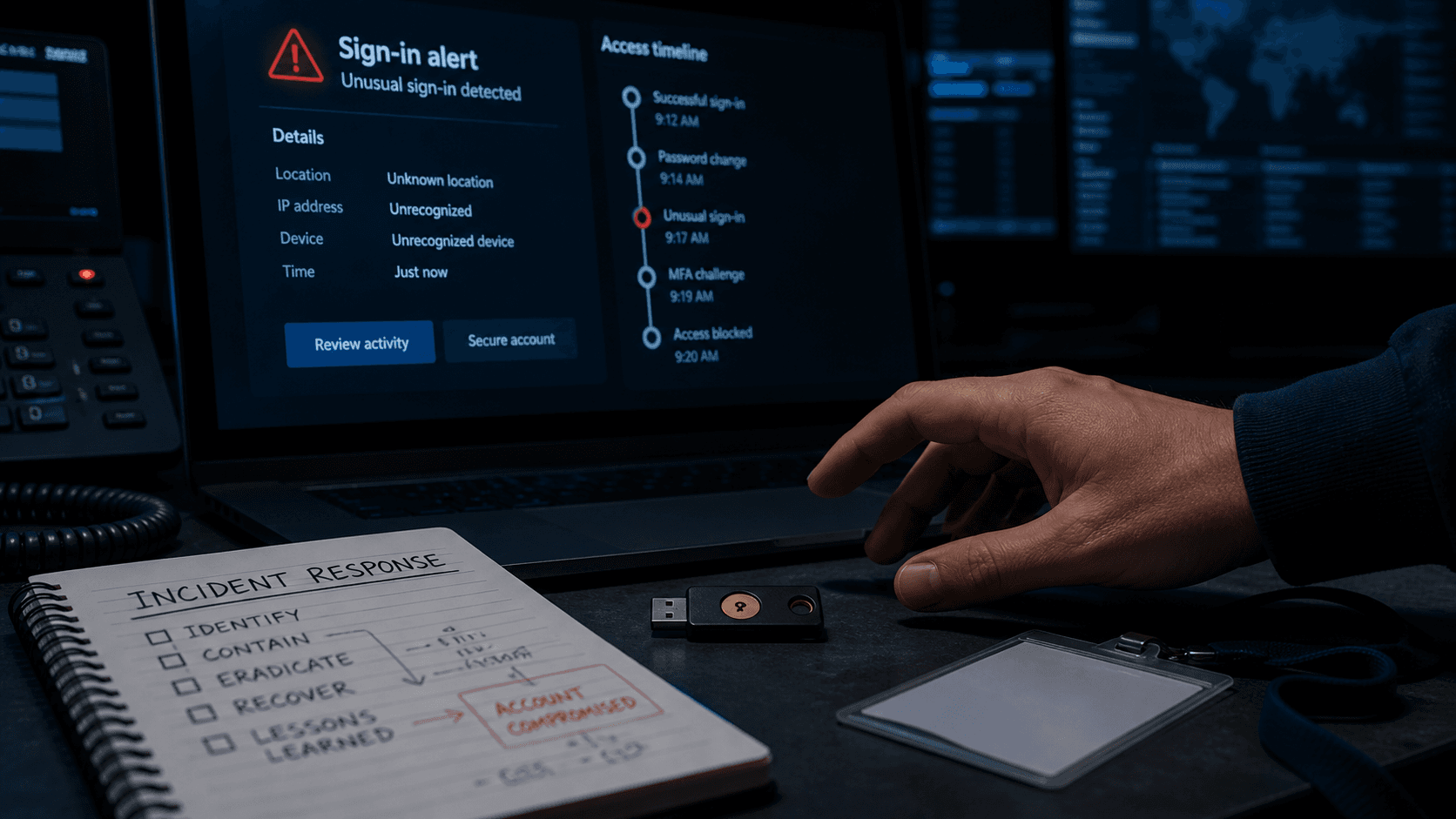
Identify the account, device and services involved before making broad changes. Isolate the suspected endpoint, invalidate every session, reset the password from a clean device, revoke application tokens, inspect mail-forwarding rules and review unusual activity.
For an administrative account, extend the review to newly created users, API keys, configuration changes and downloads. Preserve logs: they show how far the attacker went and whether notification duties may apply.
- Isolate the suspected device.
- Invalidate sessions and revoke tokens.
- Set a unique password and stronger MFA.
- Review logins, mail rules, new users and permission changes.
- Identify potentially accessed data.
- Preserve a timeline and evidence.
A password reset is not the end
Malware can steal the new password again, while an old session may survive a reset. Recovery must include endpoint remediation, browser and extension review, and confirmation that every session is invalid.
MFA reduces password risk, but SMS and push prompts can still be phished. Hardware security keys or passkeys offer stronger protection for important accounts because authentication is bound to the correct site.
Inspect source repositories and lookalike domains
API keys, database passwords and configuration files can reach public repositories by mistake. Scan commit history, rotate exposed secrets and remember that deleting a line from the latest version does not remove it from history.
Lookalike websites are another common credential source. Monitor similar domains and unexpected login pages, preserve evidence and coordinate with registrars, hosting providers and advertising platforms when takedown is needed.
A practical 30-day plan
Week one prioritises administrative, email, finance, source-code and cloud accounts. Week two establishes MFA, session revocation and endpoint checks. Week three reviews permissions, dormant users and repository secrets. Week four runs an account-takeover exercise and measures response time.
The goal is not to promise that a password will never leak. It is to stop one stolen credential from becoming persistent access and to contain an incident before data leaves the business.
FAQ
Frequently asked questions
How can a company check whether its email accounts appear in stolen data?
Use a reputable breach-monitoring or threat-intelligence service. Do not download stolen datasets from untrusted sources to perform your own check.
Is multi-factor authentication enough?
No. Combine it with session control, token revocation, endpoint security, least privilege and unusual-login monitoring.
Should every employee reset their password immediately?
Use a broad reset when the incident scope requires it. First identify affected systems, ensure endpoints are clean and prepare session revocation so the reset does not leave existing access open.
References
Sources used in this guide
We prioritise official guidance and primary technical sources. Visit each source for full context and the latest updates.